

விளக்கம்
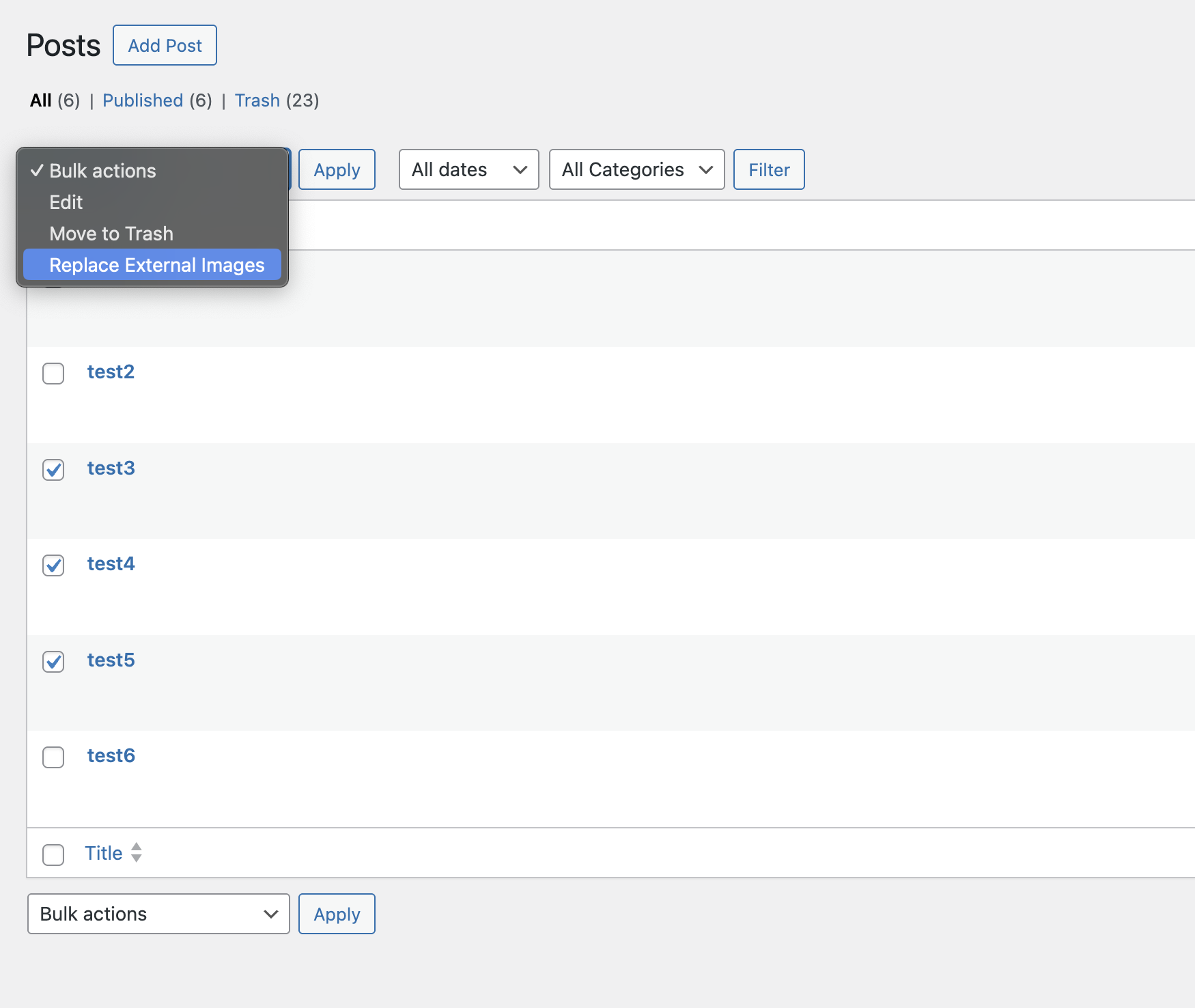
“Replace External Images” lets you import externally hosted images used in post content directly into your WordPress media library — either one by one or now with the new bulk import feature across multiple posts at once.
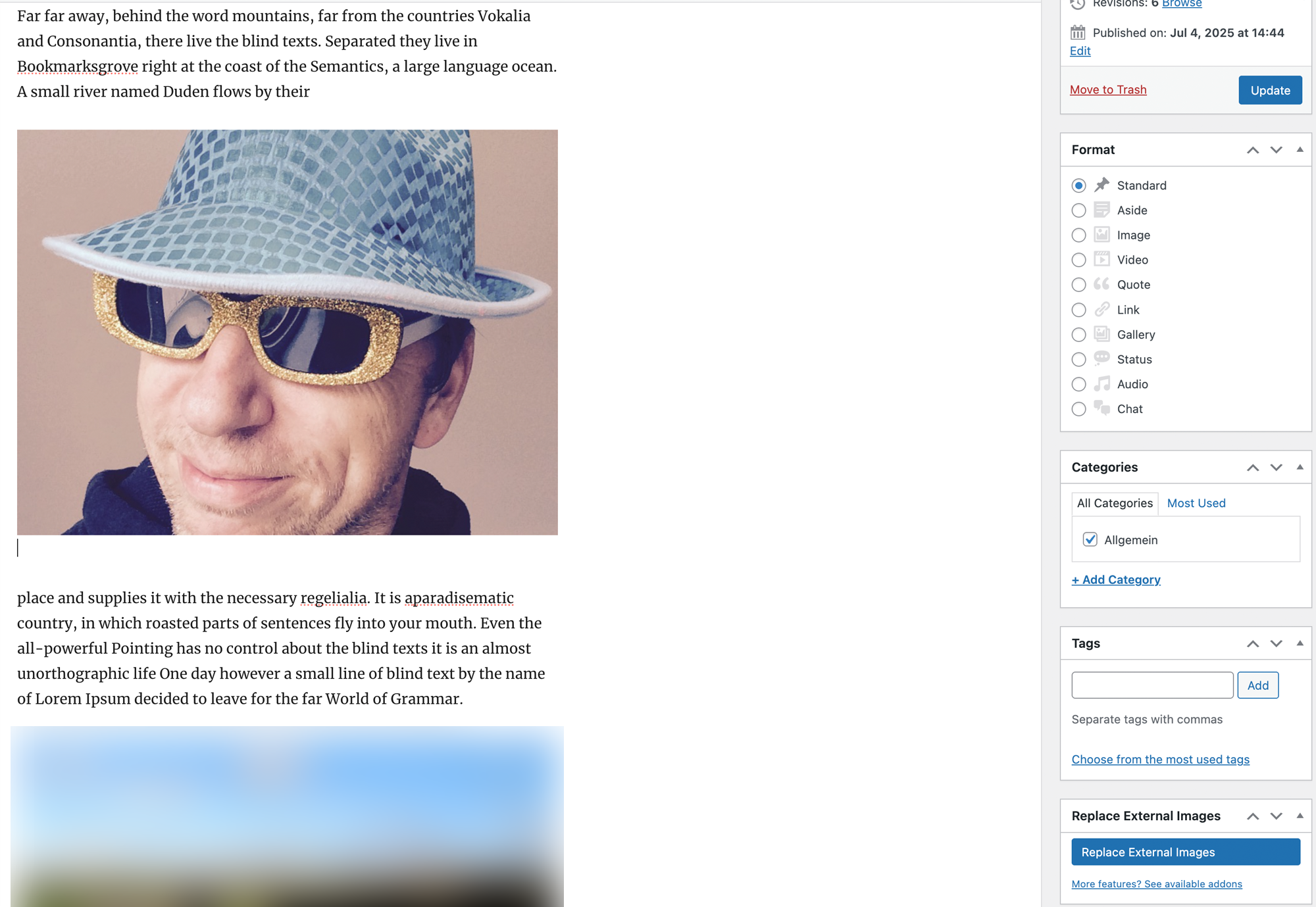
The plugin automatically replaces external URLs in the content with local media URLs, shows a live progress view, supports any image host, and updates featured images where needed.
Ideal for:
– site migrations
– pasted content from other sources
– cleaning up hotlinked images
– processing many posts in one go with the bulk importer
Full documentation available here: Replace External Images Docs
Screenshots
Installation
- Go to your WordPress dashboard.
- Navigate to “Plugins > Add New”.
- Search for “Replace External Images”.
- Click “Install Now” and then “Activate”.
Alternatively:
- Download the plugin as a ZIP file.
- Go to “Plugins > Add New > Upload Plugin”.
- Select the ZIP file, click “Install Now”, then “Activate”.
Once activated:
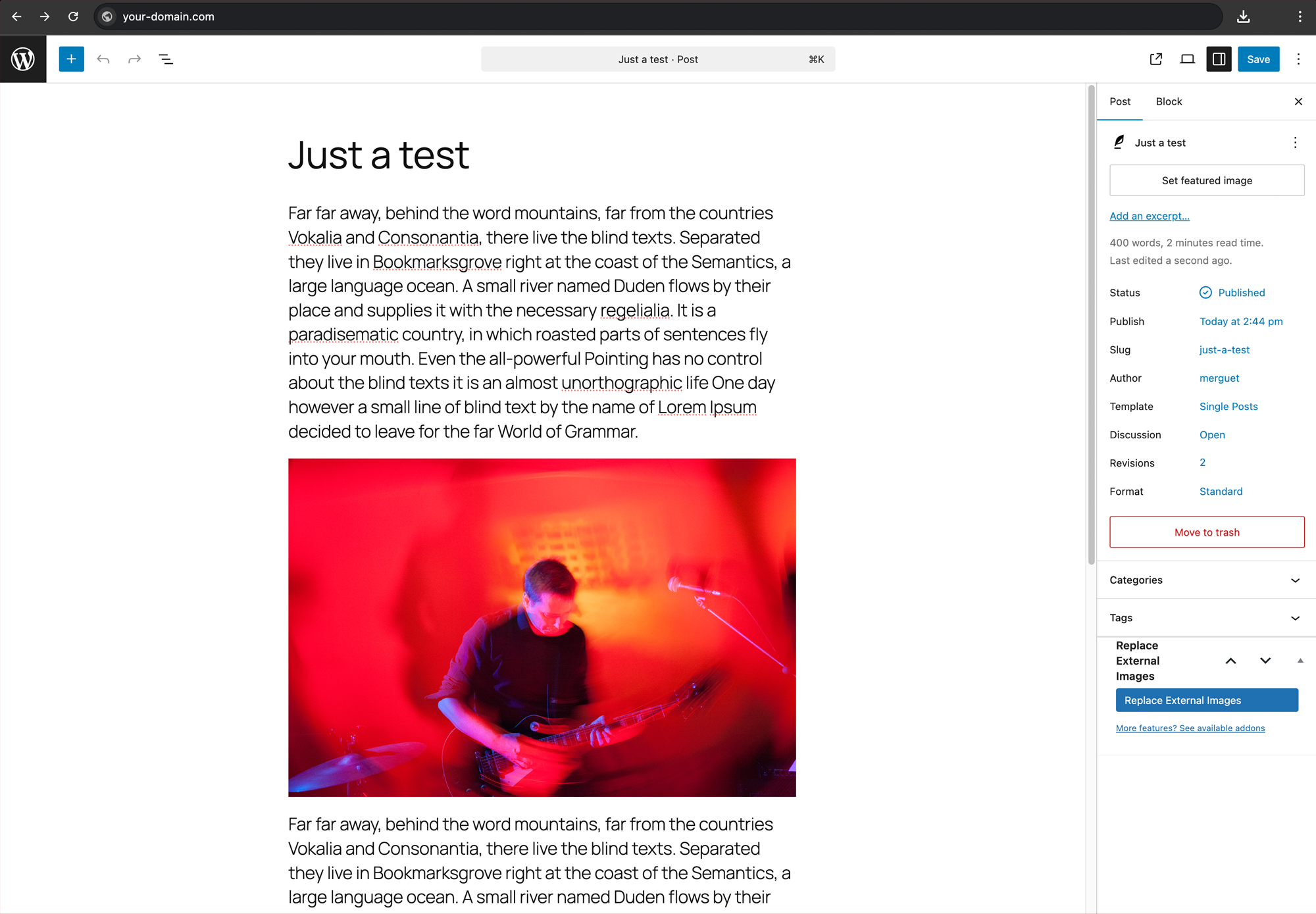
- Open a post that contains externally linked images.
- Click “Replace External Images” in the Tools section.
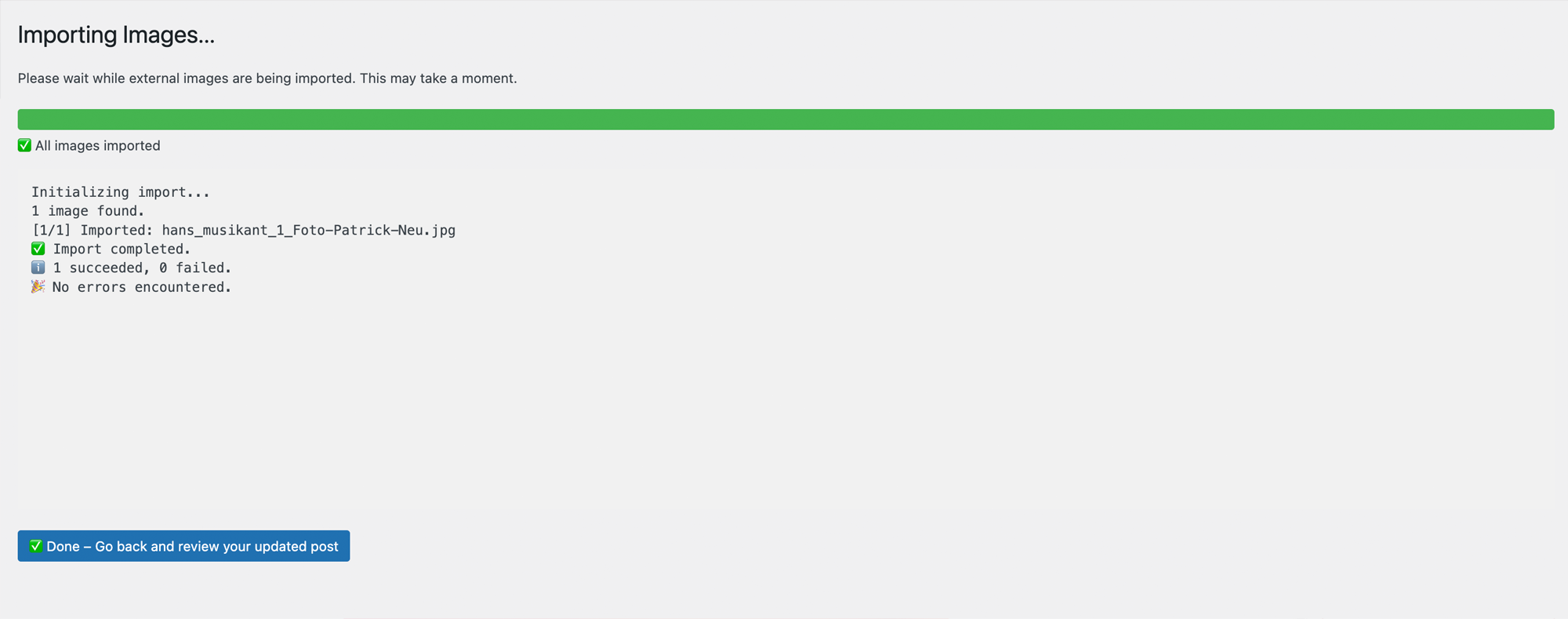
- Watch the live progress bar and wait for completion.
அடிக்கடி கேட்கப்படும் கேள்விகள்
-
Does it overwrite existing media?
-
No — it only imports external images and skips media already in the library.
-
What happens to the image URLs?
-
They are updated to local media paths after import.
-
Can I undo the import?
-
Not automatically. Please make a backup before running the importer if you need to restore content later.
-
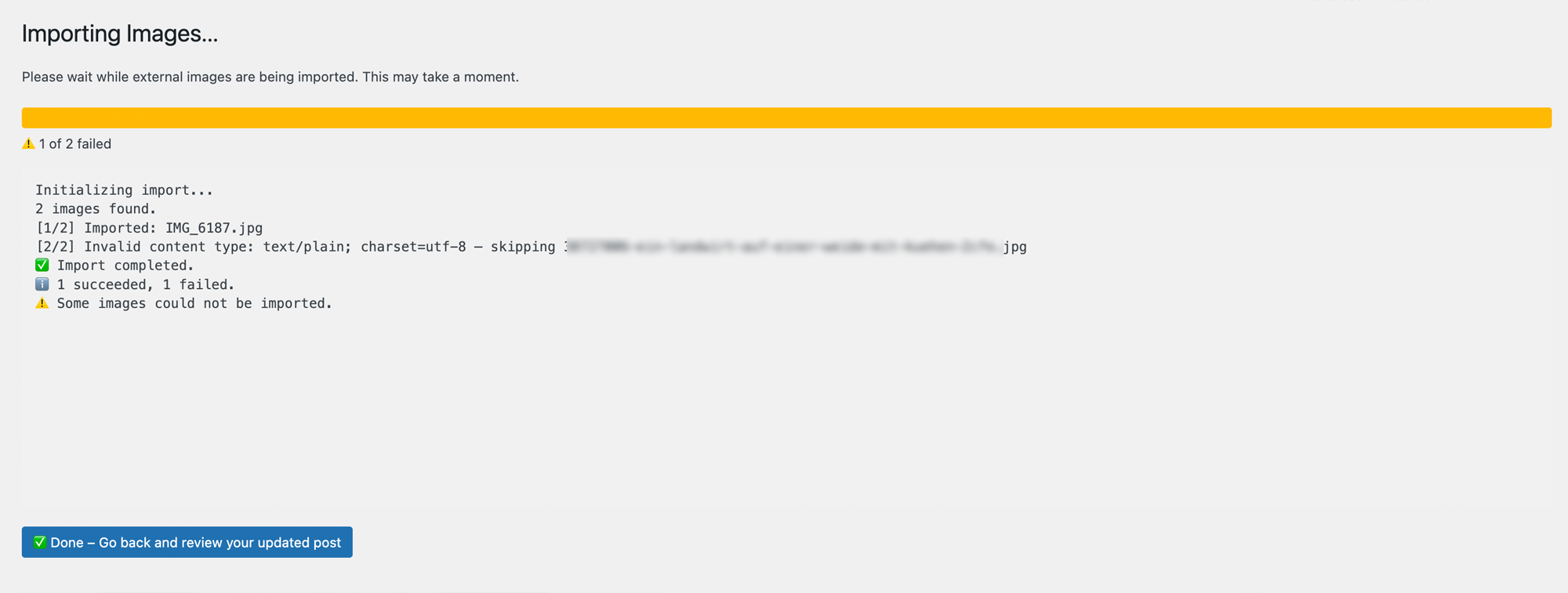
What happens with protected or blocked images?
-
Some image sources actively block hotlinking or automated downloads by returning a different content type (e.g.
text/plaininstead ofimage/jpeg).
This plugin detects such cases and skips the import gracefully — no image is saved, and the log explains why. -
What if the post doesn’t have a featured image?
-
If a post has no featured image, the plugin will automatically set the first successfully imported image as the featured image.
Reviews
இந்த செருகுநிரலுக்கு மதிப்புரைகள் எதுவும் இல்லை.
பங்களிப்பாளர்கள் & உருவாக்குனர்கள்
“Replace External Images” is open source software. The following people have contributed to this plugin.
பங்களிப்பாளர்கள்
Translate “Replace External Images” into your language.
Interested in development?
Browse the code, check out the SVN repository, or subscribe to the development log by RSS.
Changelog
1.2.0
- Improved prefix consistency across AJAX, JS globals, script handles, and importer internals
- Hardened nonce and request sanitization in admin and AJAX flows
- Improved download handling and clearer logging for blocked sources (e.g. HTTP 403 responses)
- Improved post-type aware back navigation after single and bulk imports
1.1.0
- NEW: Bulk import for external images across multiple posts
1.0.0
- Initial public release
- Live importer for external images
- Works on individual post basis
- Tested up to WordPress 6.8.1 and PHP 8.2