
விளக்கம்
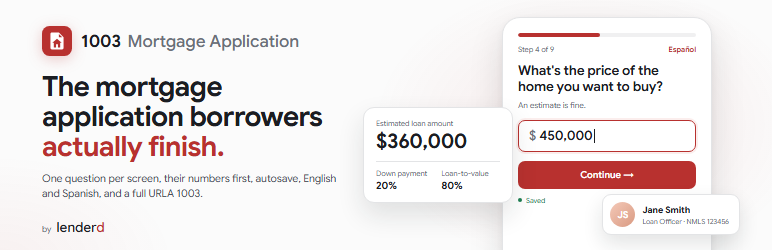
Lenderd Mortgage Application puts a modern mortgage application on your own WordPress site. Borrowers answer one question at a time, see what they could qualify for before they hand over contact details, and never need an account.
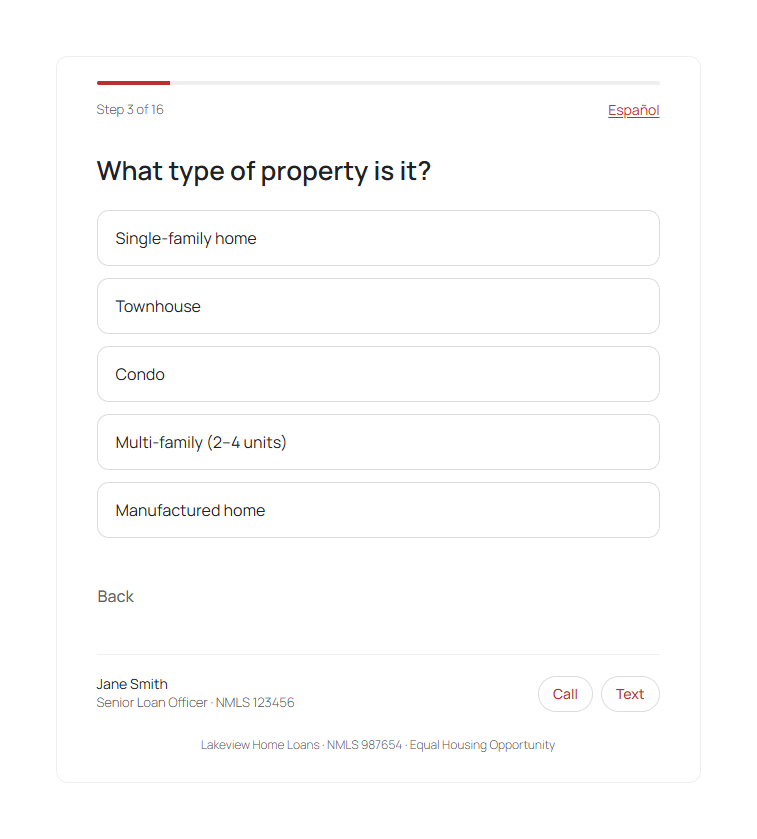
- One question per screen, typed amounts, optional address suggestions, English and Spanish
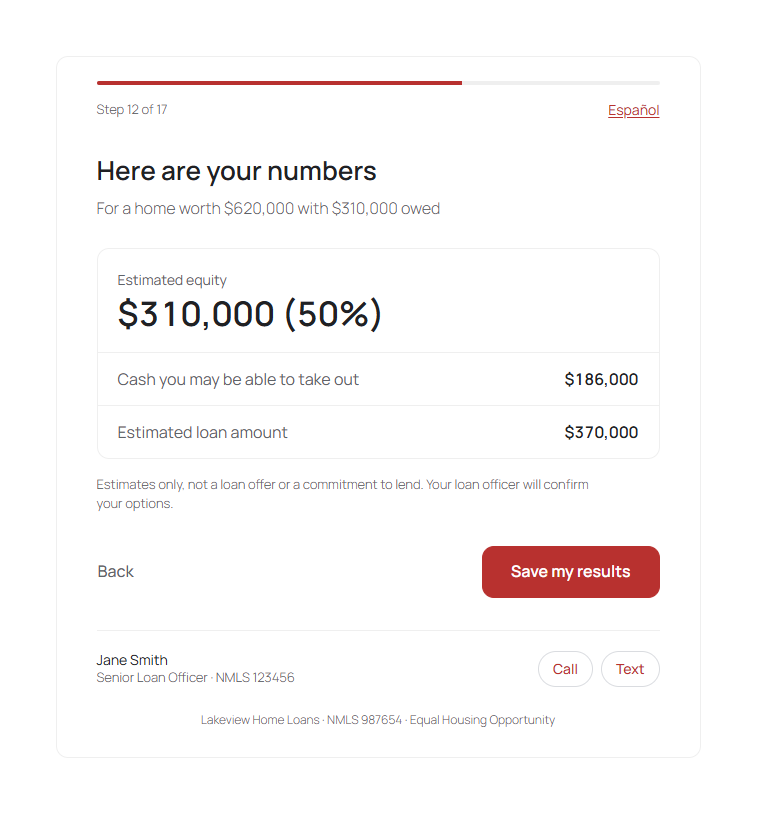
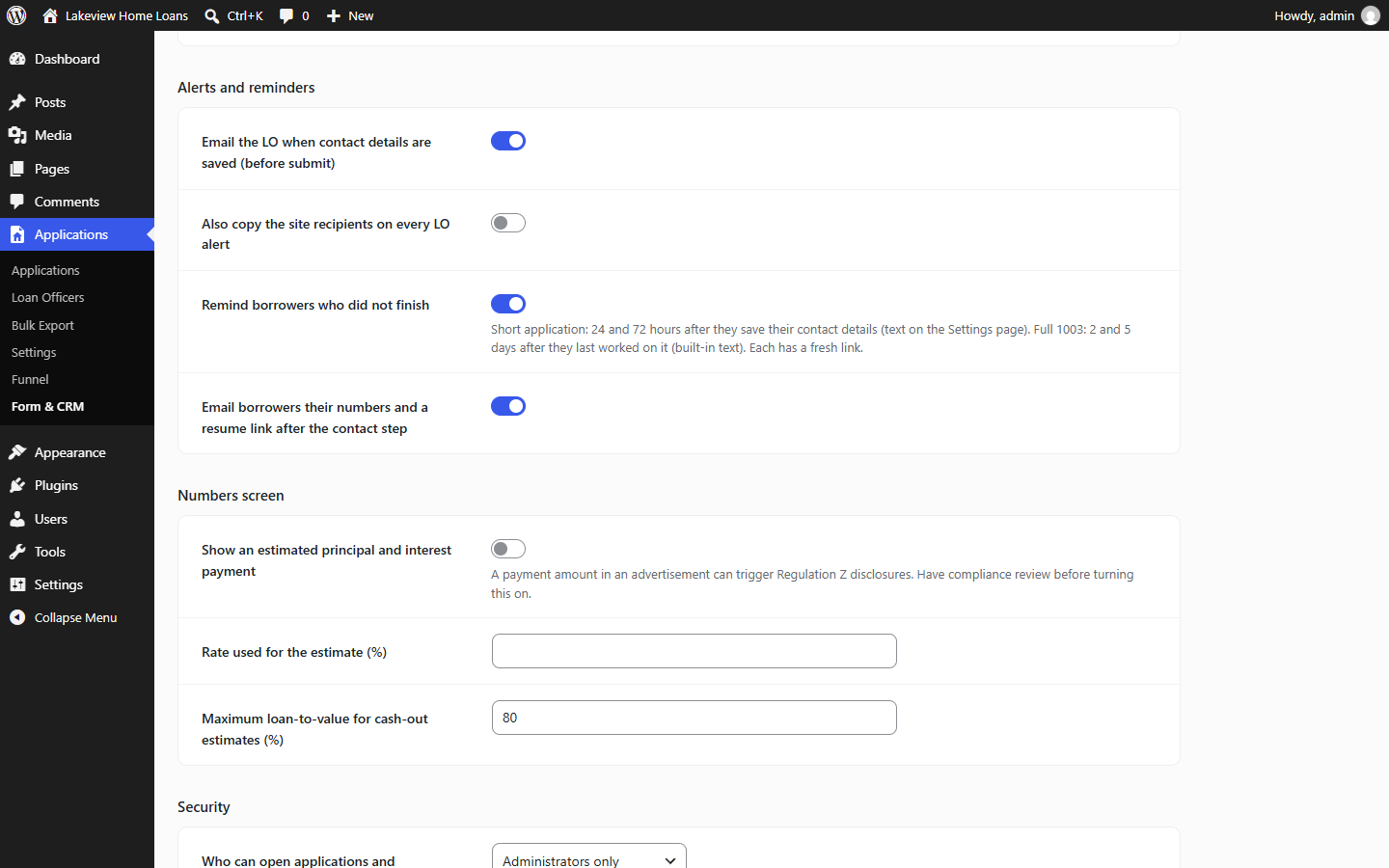
- The borrower’s numbers (loan amount, equity, loan-to-value, cash-out) before contact details
- Autosave from the first answer; borrowers resume in the same browser or from an emailed link
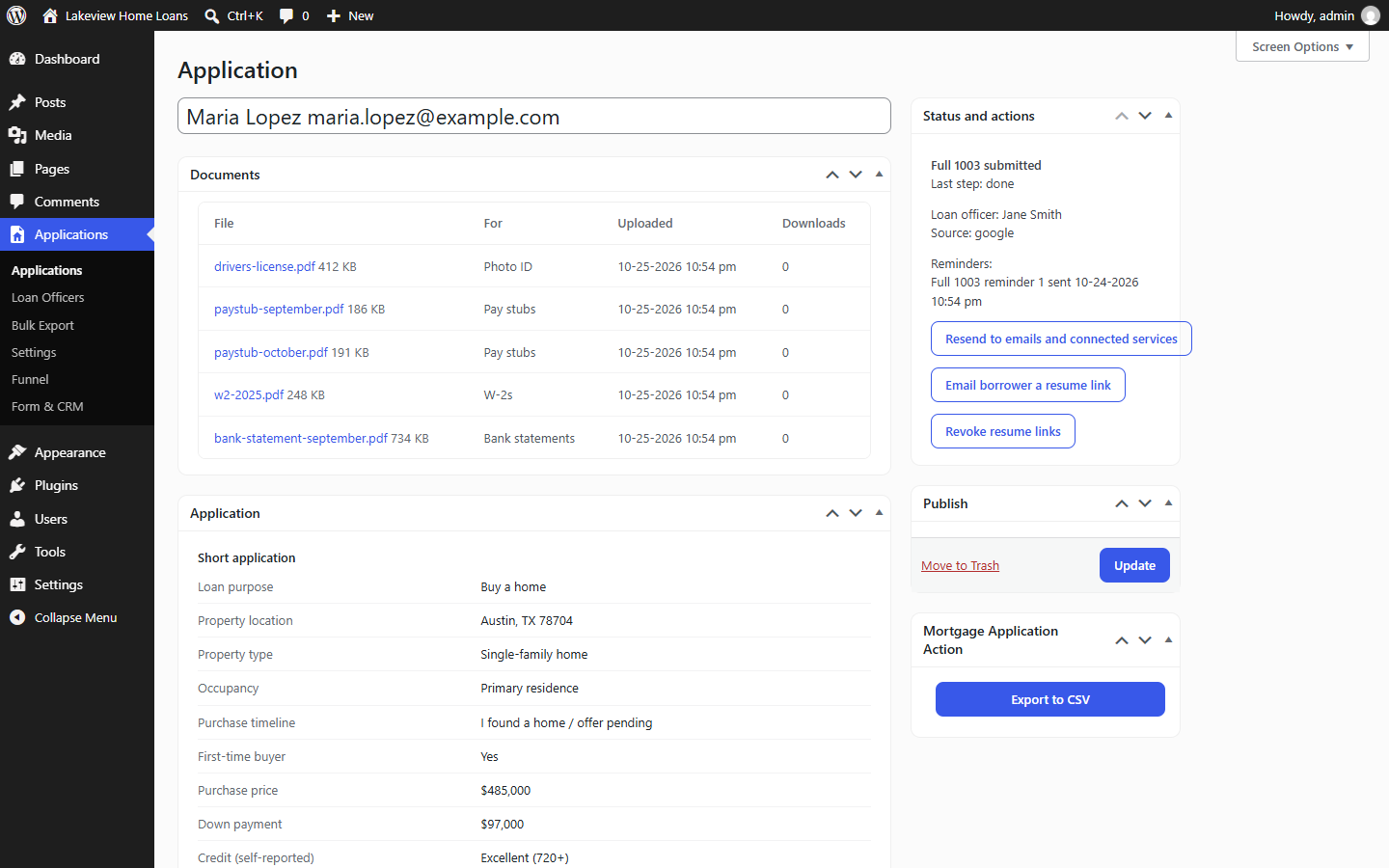
- A short application first, then an optional full URLA 1003 (residence history, employment, income, assets, debts, declarations, demographics, co-borrower)
- Email alerts to your loan officer, a receipt for the borrower, and reminders for borrowers who did not finish
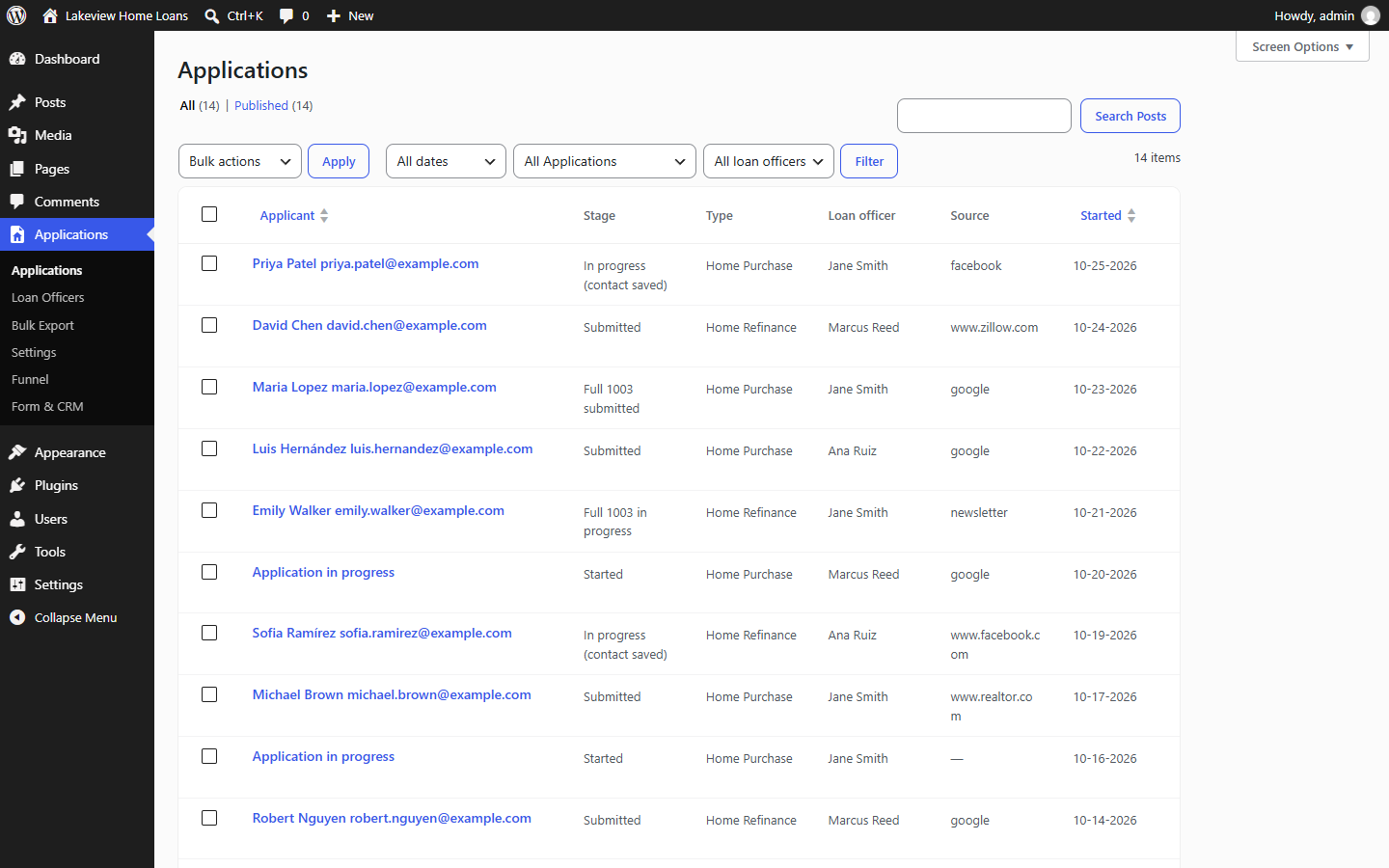
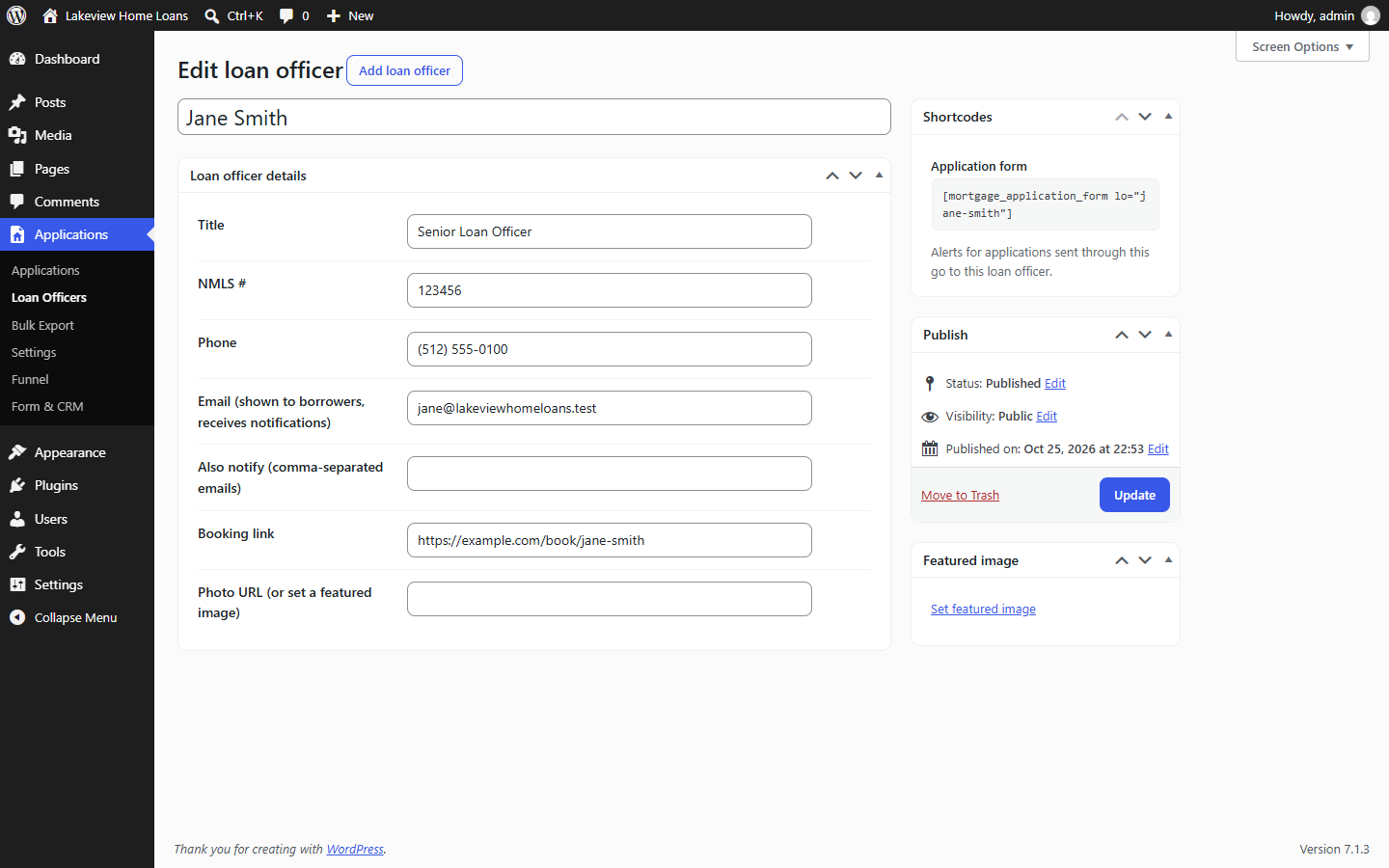
- Any number of loan officers, each with their own shortcode, alerts and LO card on the form
- Funnel report and CSV export
- SSNs encrypted with AES-256-GCM and masked on screen; uploaded documents encrypted in a private folder and opened only by signed, expiring links; consent and access logs
- WordPress Multisite: network-level settings that each site can follow or override
Premium
1003 Mortgage Application Premium is a separate plugin sold on mortgageapplicationplugin.com. It adds GoHighLevel, MISMO 3.4 and FNM 3.2 exports, a document upload page and webhooks. This plugin is complete without it.
External services
The plugin contacts these services only when you turn them on:
- Google Maps Places API (address suggestions), when you enter a Google Places API key on the Settings page. The borrower’s browser loads Google’s script and sends what they type in address fields to Google. Terms, privacy.
- Cloudflare Turnstile (spam protection), when you enter Turnstile keys on Form & CRM. The borrower’s browser loads Cloudflare’s widget, and your site sends the widget’s token and the visitor’s IP address to Cloudflare to verify it. Terms, privacy.
Screenshots

Installation
- Install the plugin from Plugins > Add New, or upload the plugin folder to
/wp-content/plugins/, and activate it. - Review Applications > Settings (email recipients and texts, colors) and Applications > Form & CRM (company details, alerts, reminders).
- Put
[mortgage_application_form]on a page. The site must use HTTPS. - Optional: add your loan officers under Applications > Loan Officers and use their shortcode, for example
[mortgage_application_form lo="jane-smith"]. - Recommended before collecting SSNs: add
define( 'MAPP_ENCRYPTION_KEY', 'a long random string' );to wp-config.php and keep it safe. Data encrypted with it cannot be read without it.
Shortcode attributes
lo: loan officer slug or IDpurpose:purchaseorrefinanceto skip the first questionlang:en,esorauto(default)
அடிக்கடி கேட்கப்படும் கேள்விகள்
-
Does it need SSL?
-
Yes. The application collects personal and financial details, so the page must use HTTPS.
-
Where is borrower data stored?
-
On your own site. SSNs are encrypted, documents are encrypted in a private folder, and nothing is sent to 8blocks.
-
Can I change the colors?
-
Yes. The Button Color setting on the Settings page sets the form’s brand color.
Reviews
இந்த செருகுநிரலுக்கு மதிப்புரைகள் எதுவும் இல்லை.
பங்களிப்பாளர்கள் & உருவாக்குனர்கள்
“Lenderd Mortgage Application” is open source software. The following people have contributed to this plugin.
பங்களிப்பாளர்கள்
Translate “Lenderd Mortgage Application” into your language.
Interested in development?
Browse the code, check out the SVN repository, or subscribe to the development log by RSS.
Changelog
3.2.0
- First release on WordPress.org.