
விளக்கம்
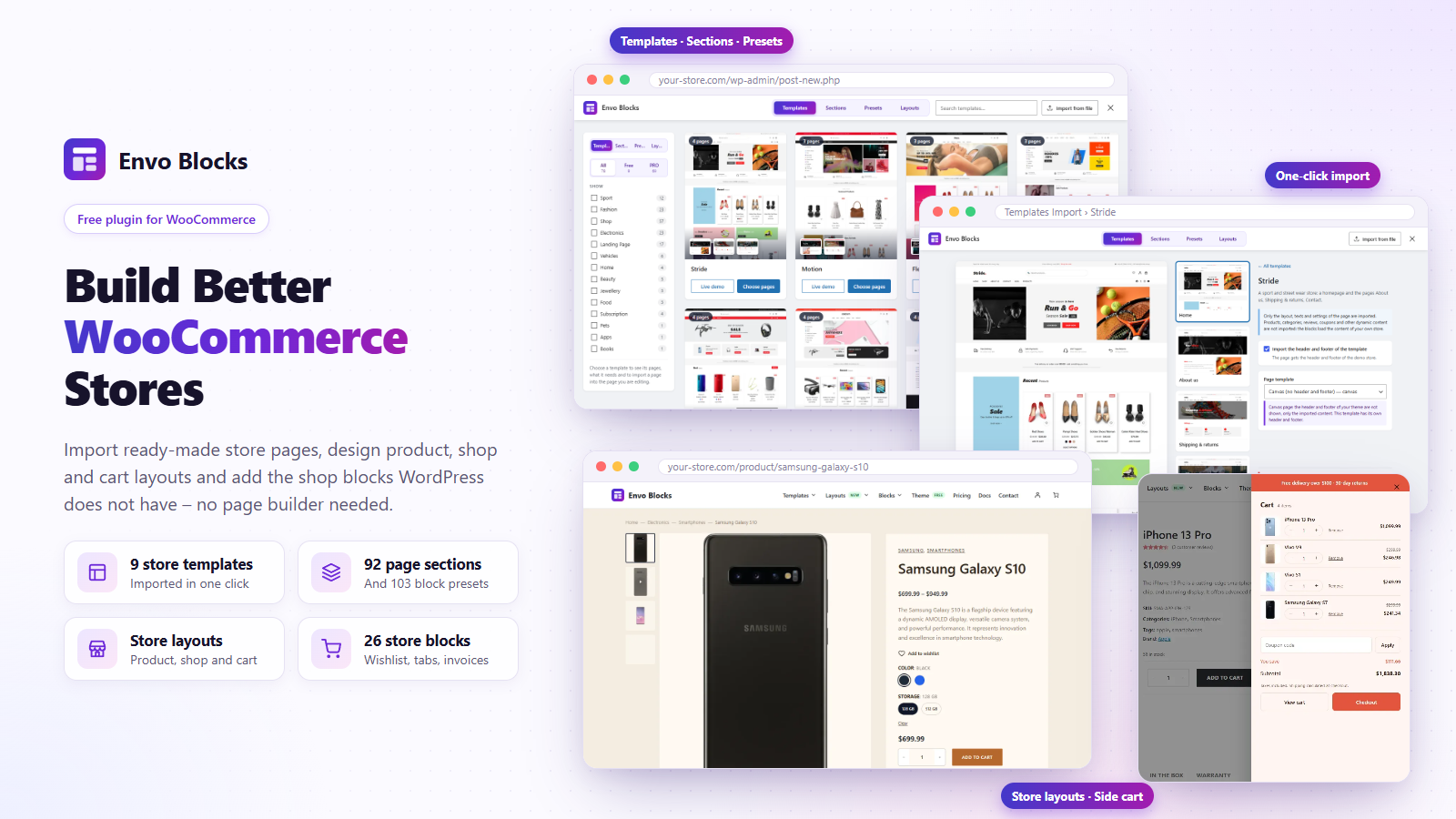
Envo Blocks gives the block editor ready-made store pages, store layouts and the WooCommerce blocks and features that WordPress and WooCommerce do not have – no page builder needed.
Templates, sections and presets
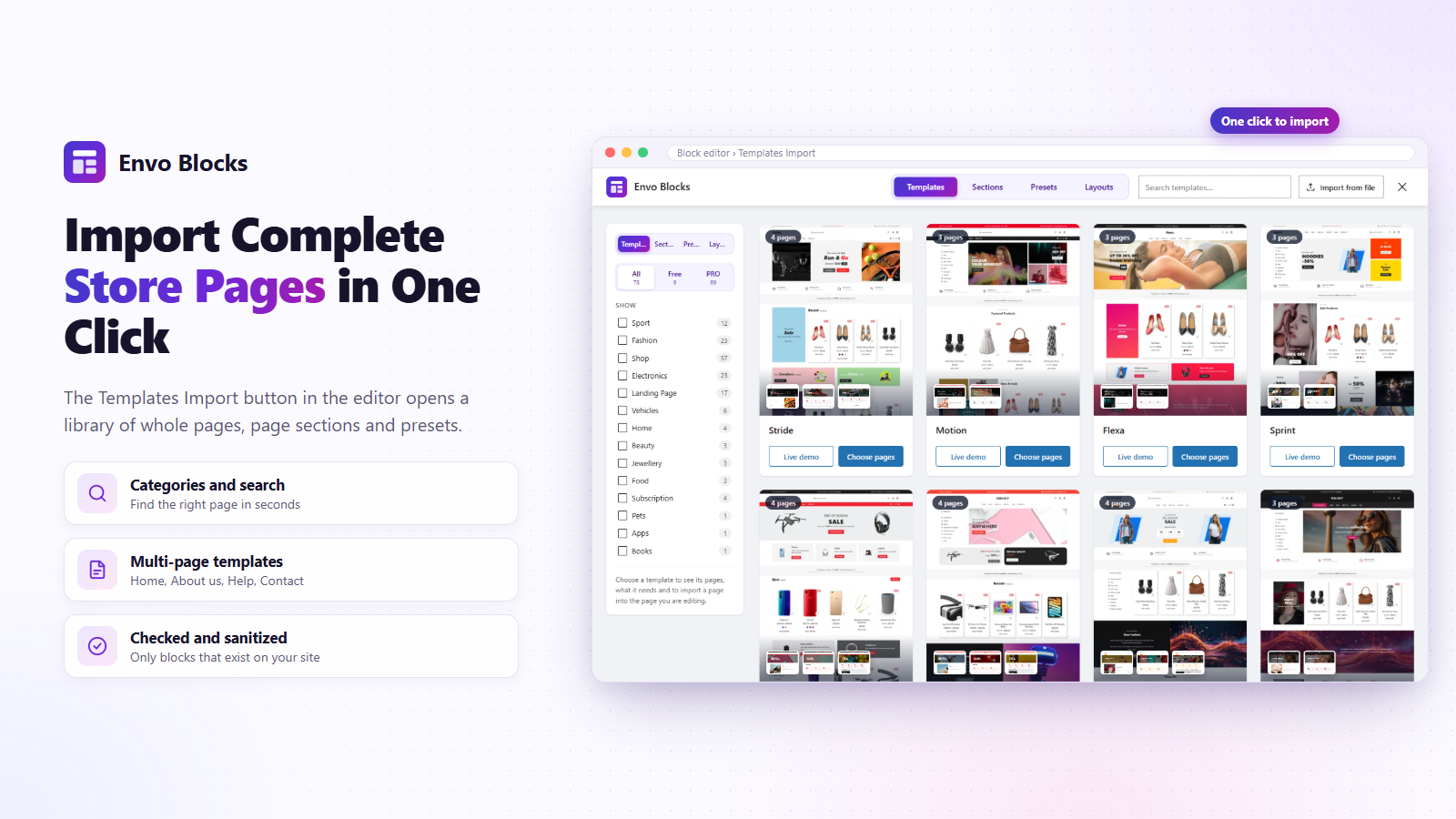
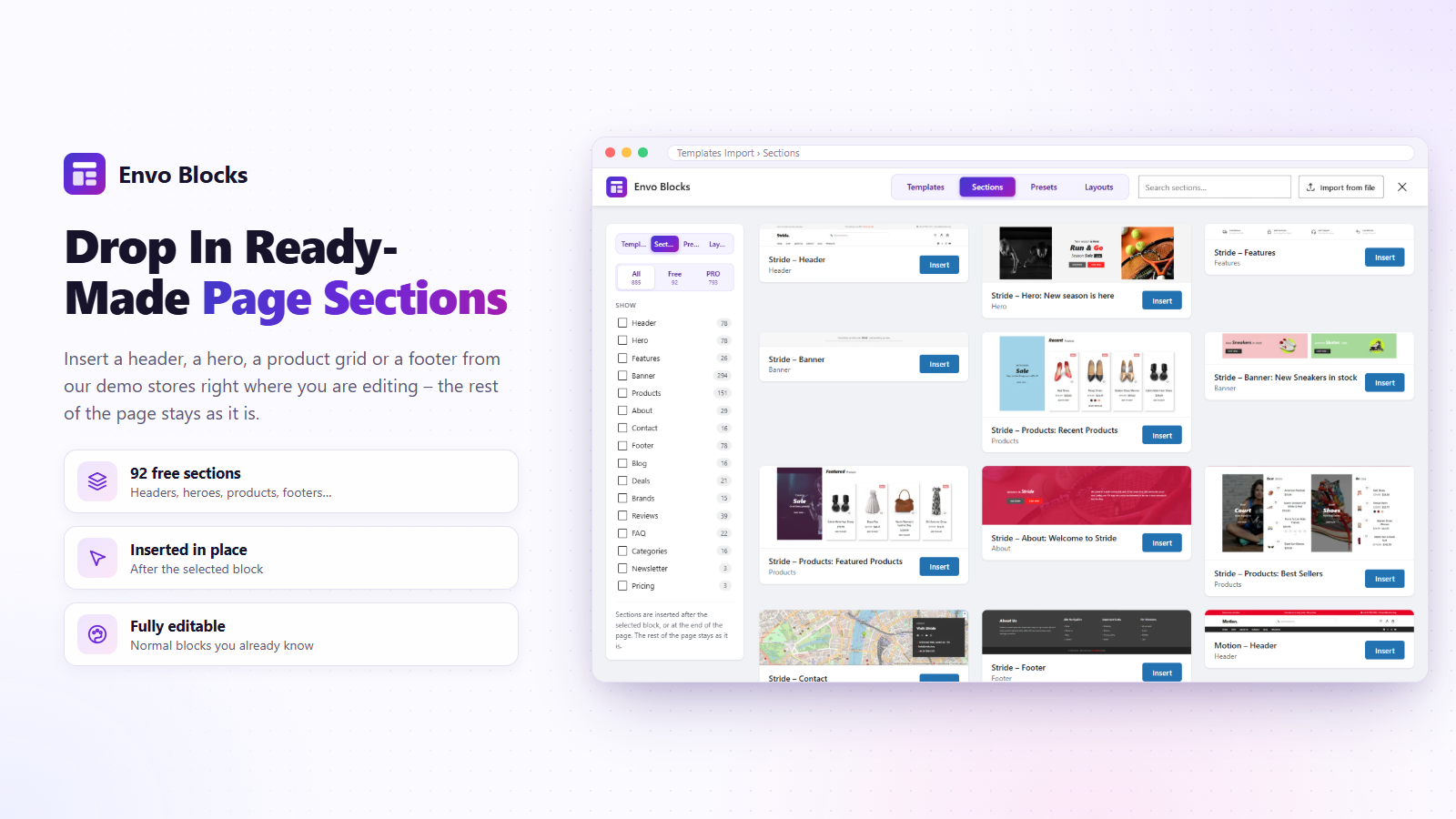
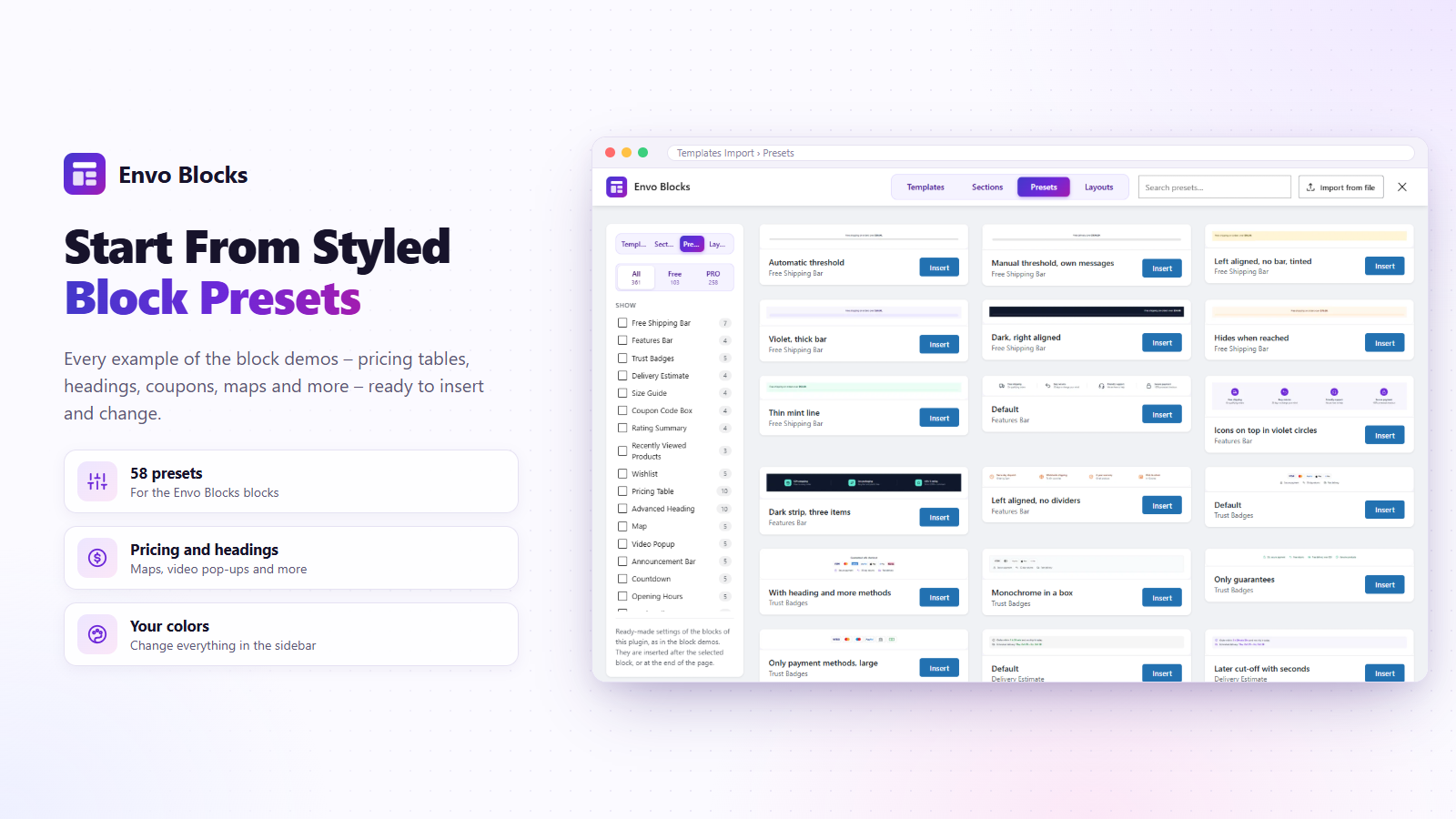
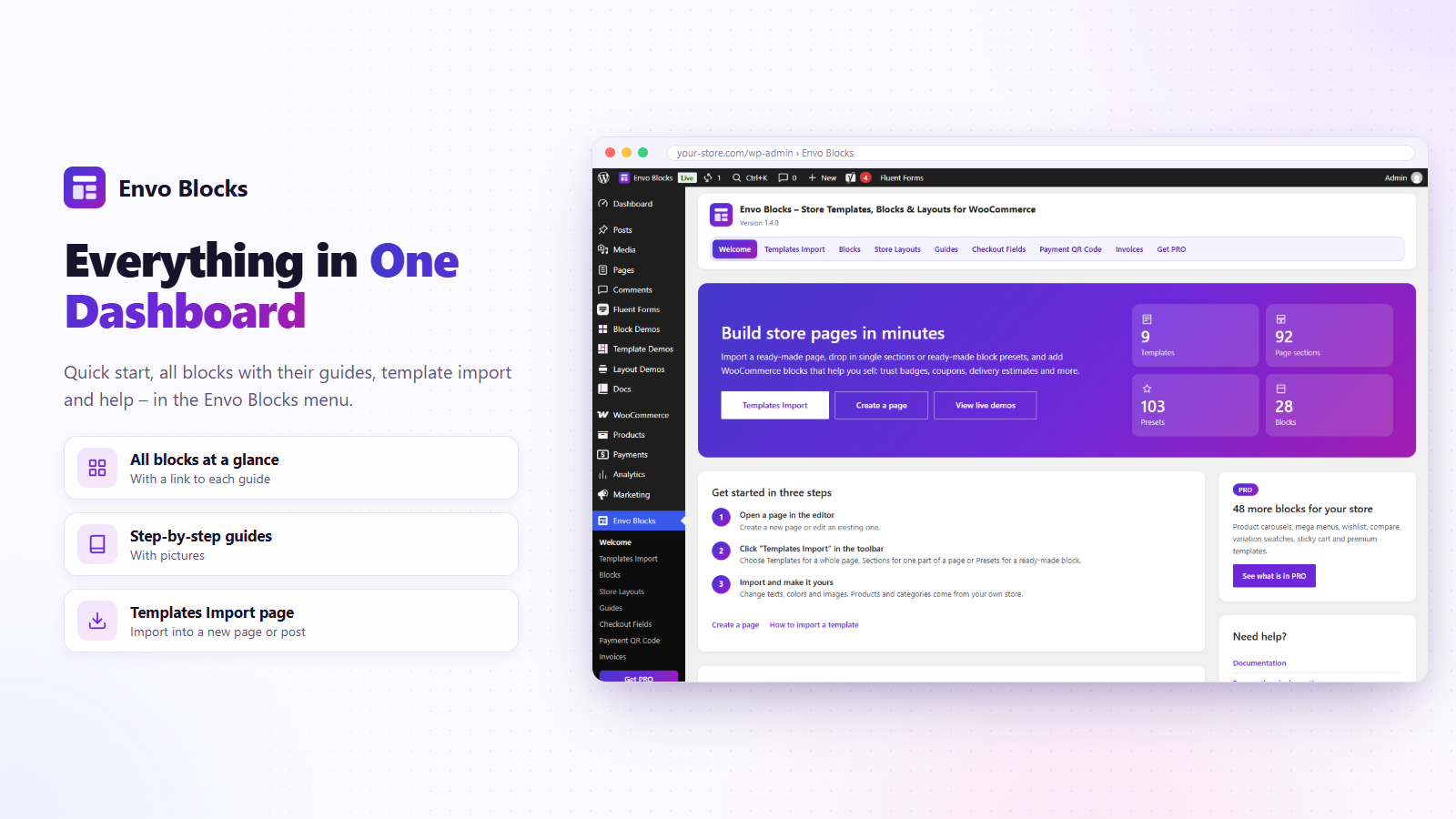
- Templates Import in the editor: 12 free templates with their pages (home, About us, Help, Contact…), 123 page sections and 133 block presets.
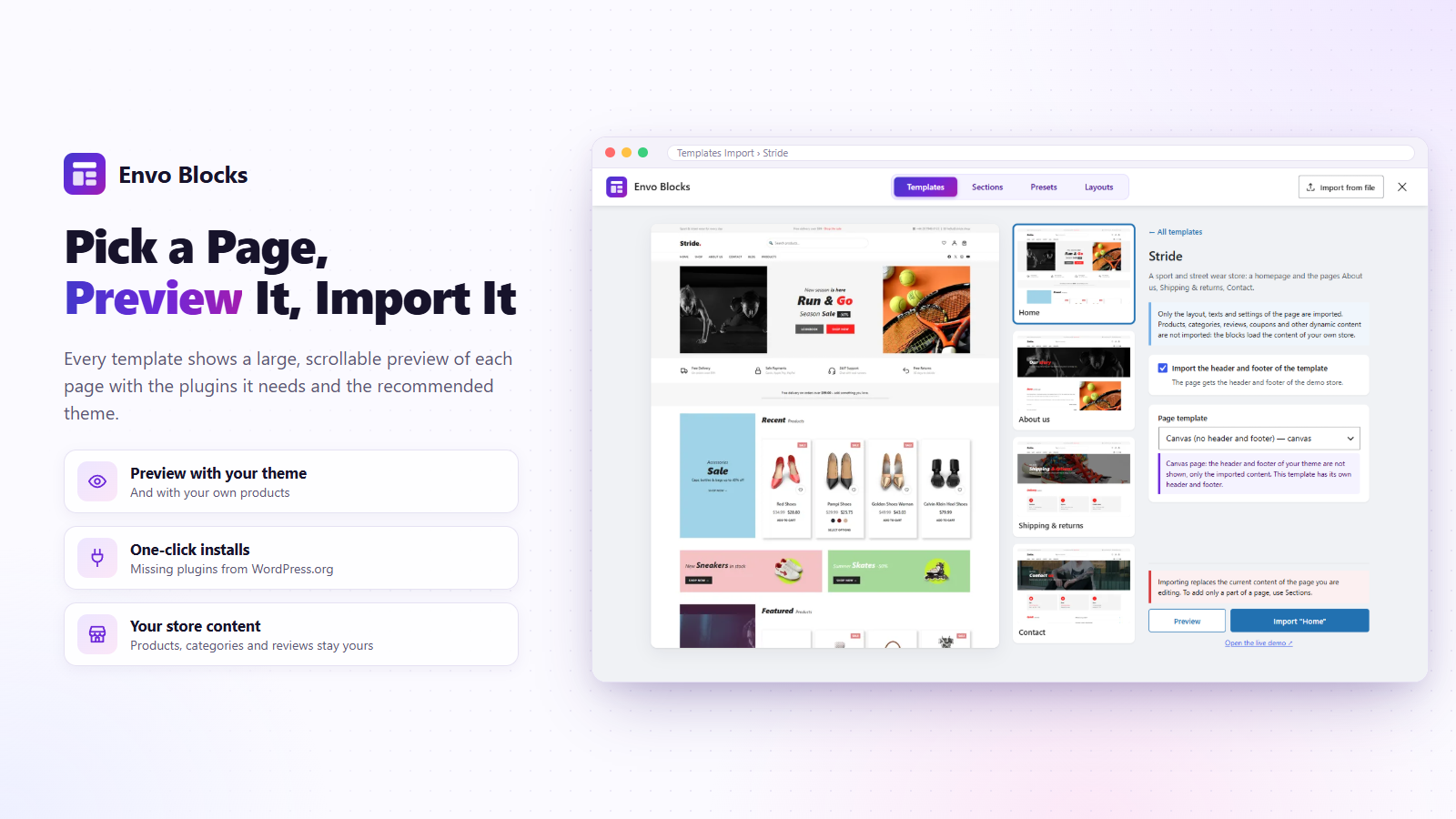
- One-click import with or without the header and footer; required plugins and the recommended theme are shown with their status.
- Only the layout, texts and settings are imported – the blocks show the products of your own store.
Store Layouts
Give the product page, shop and categories, cart, checkout, order received page, My account and the side cart your own design, made of blocks – in block and classic themes. Start from 33 free designs in several colours (see the layout demos), change anything in the editor, and the theme header and footer stay. The checkout can be distraction-free: your logo, a secure checkout note and a link back to the cart instead of the menu. The side cart slides in after Add to cart with the cart items, the free shipping progress and the totals.
Wishlist
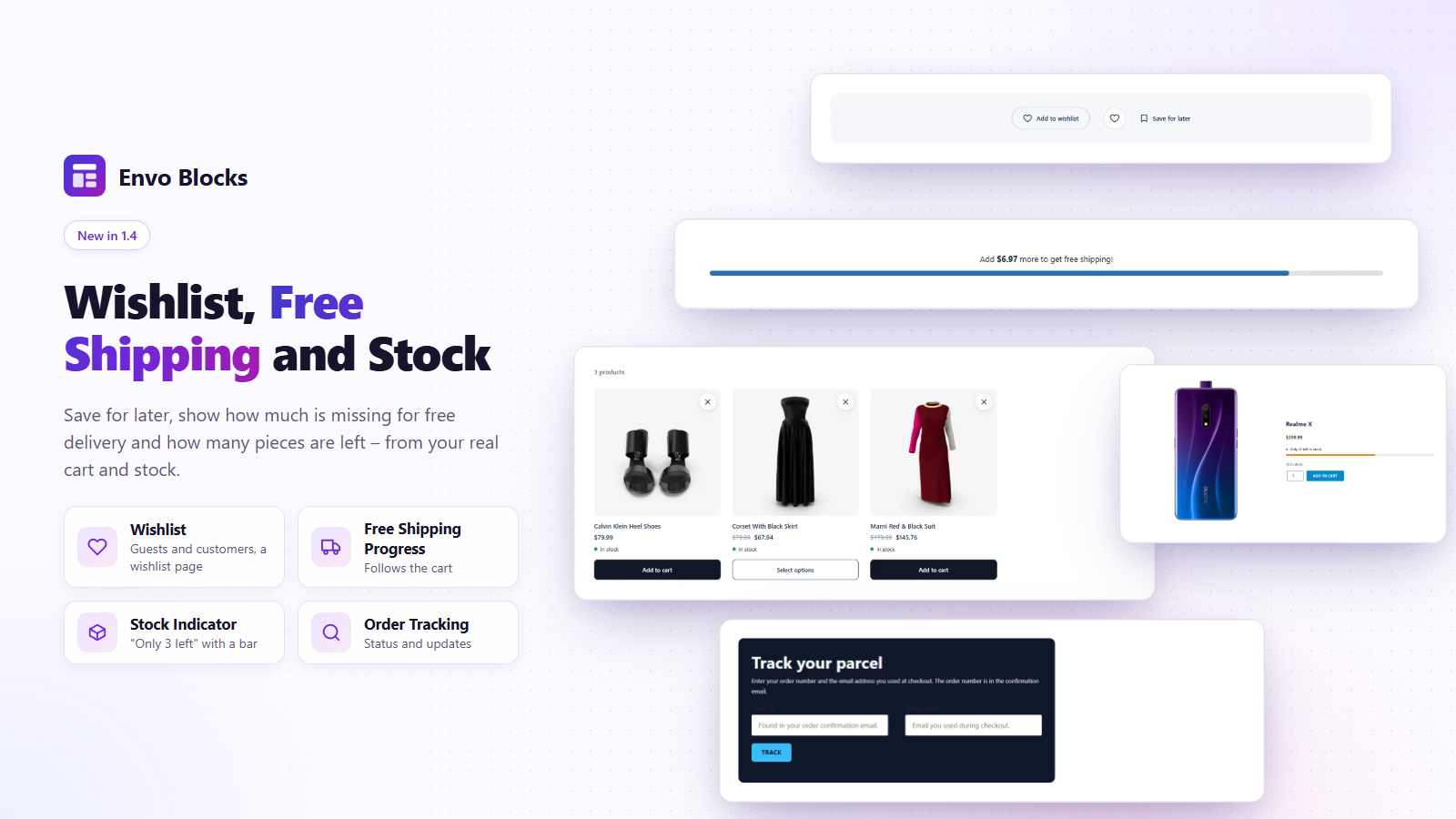
A heart button on product pages and in product lists saves products for later – for guests (in the browser) and for customers (in their account, on every device). The wishlist page lists them with price, stock and Add to cart. Choose the page in WooCommerce settings, and the look of the button and the list in the blocks.
PDF invoices
Invoices, credit notes and packing slips for WooCommerce orders, made on your site:
- presets for 18 countries with the right words, tax IDs and tax texts – and editable labels for any other country;
- numbers without gaps (yearly, monthly or one series), documents that never change once issued, credit notes for refunds and “Cancel and reissue”;
- the PDF in the order e-mails, a download button in My account and the Invoice Download block, bulk issuing in the orders;
- the tax summary per rate, the total in words, a payment QR code on unpaid bank transfer invoices, right-to-left documents and font packs for Japanese, Chinese, Korean, Indian scripts, Arabic, Hebrew and Thai.
Product filters
The Product Filter and Active Filters blocks filter the shop, the categories and the search by price (slider), category, attribute (color, size…), rating and stock, with the number of products of every option. Chosen filters show as chips with “Clear all”. Filtered lists have their own address, so they can be shared.
More store features
- Lowest price (EU Omnibus) – the price history of every product and variation and “Lowest price in the last 30 days” under discounted prices.
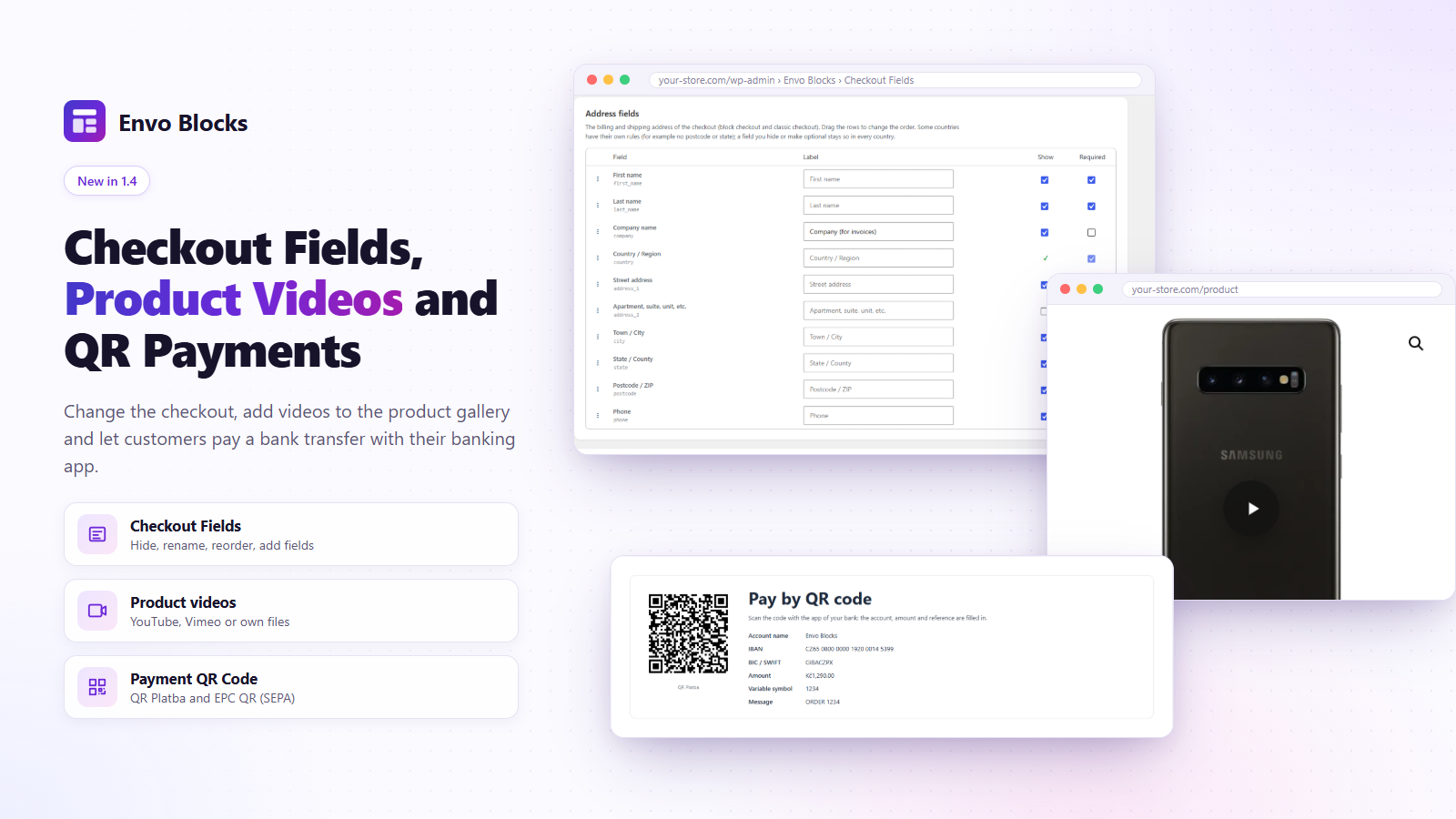
- Checkout Fields – show, hide, rename, reorder and make required the checkout fields and add your own text, select and checkbox fields, for the block and the classic checkout.
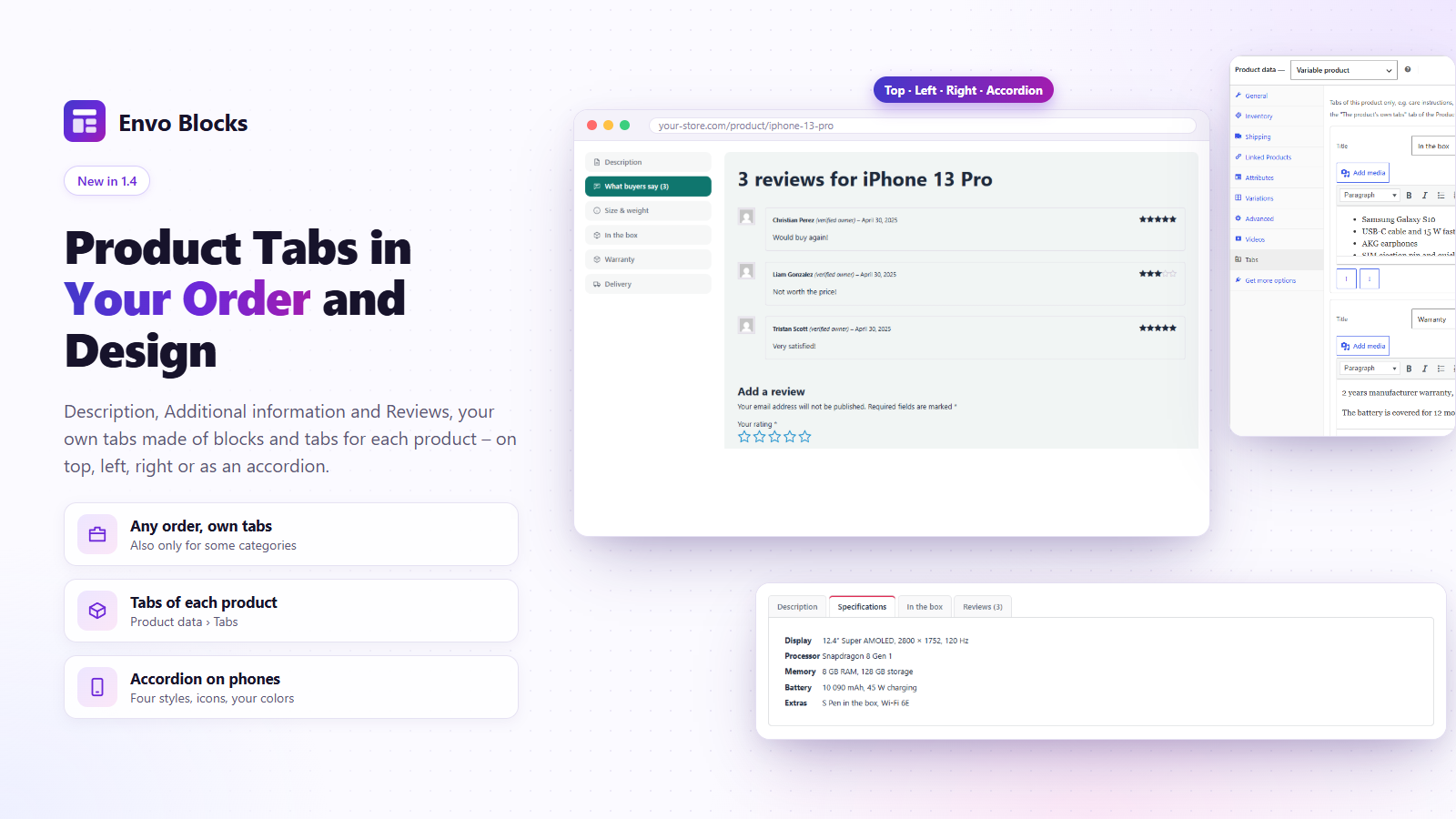
- Product Tabs – Description, Reviews, your own tabs and the tabs of other plugins in any order, as tabs or an accordion, plus own tabs for each product.
- Product videos – YouTube, Vimeo, Dailymotion or your own video in the product gallery; the player loads only after a click.
- Product questions – customers ask on the product page, you answer in the admin, the answer goes out by e-mail and shows for everyone.
- Review photos – customers add photos to their reviews (saved as small WebP without GPS data); the Customer Photos block shows them as a gallery.
- Catalog mode – hide prices and Add to cart for everyone, for visitors who are not signed in, or in chosen categories.
- Product feed – one XML feed for Google Merchant Center and the Meta catalog with prices, stock, images and variations, updated every hour.
- FAQ – questions that open and close, with FAQPage data for search engines.
- Form Styler – a form of Contact Form 7, WPForms, Fluent Forms, Ninja Forms, Formidable Forms, Forminator or Gravity Forms in the look of your site: field style, two columns, the button and your colors.
- Payment QR Code – a QR code for bank transfer orders (SPD for CZK, EPC / SEPA for EUR) on the thank-you page and in the e-mails.
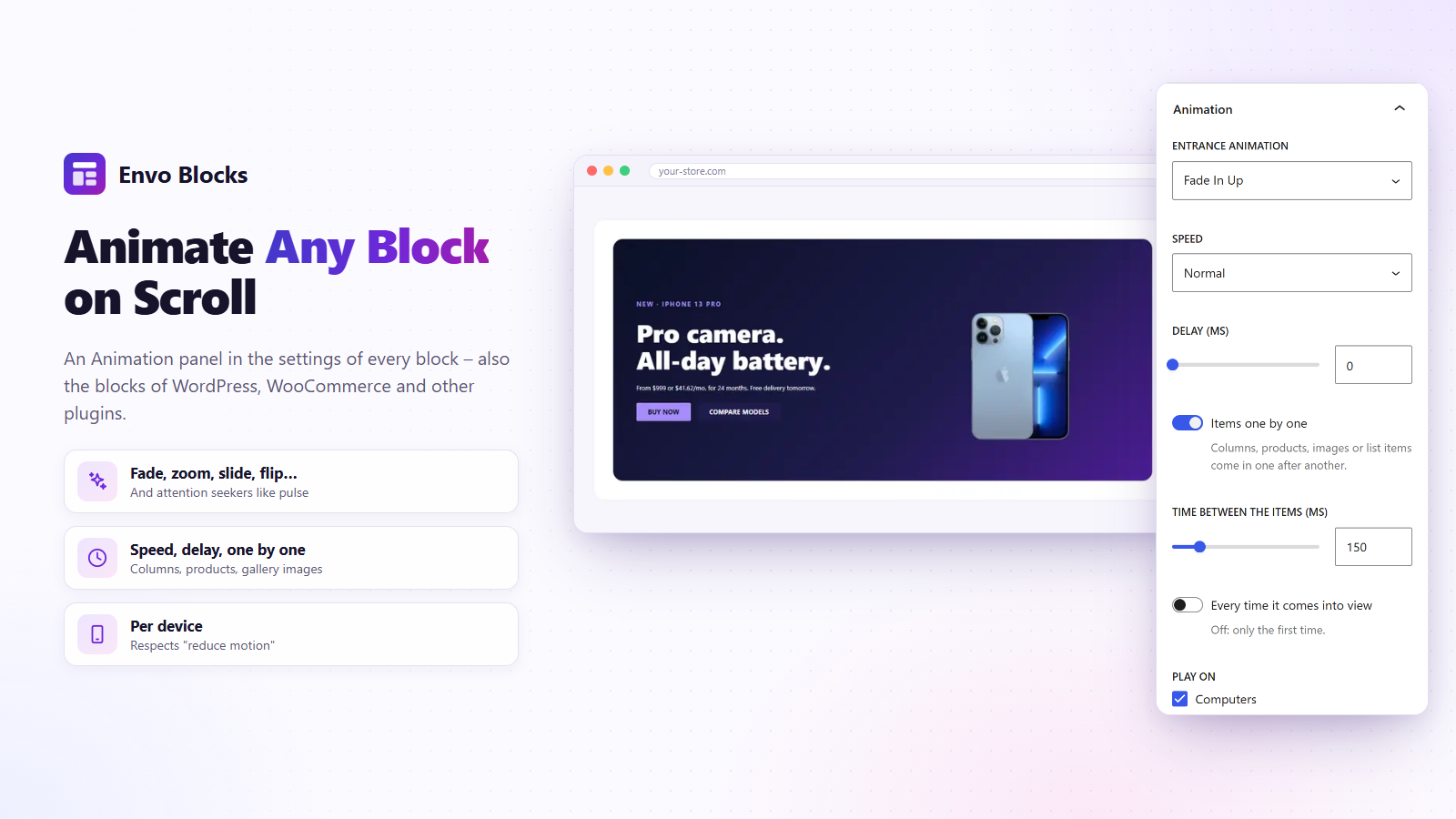
- Entrance animations for any block, also the blocks of WordPress, WooCommerce and other plugins.
Blocks
Product Filter, Active Filters, Product Tabs, FAQ, Form Styler, Language Switcher, Product Questions, Customer Photos, Lowest Price, Wishlist, Free Shipping Progress, Stock Indicator, Delivery Estimate, Trust Badges, Features Bar, Coupon Code Box, Rating Summary, Recently Viewed Products, Order Tracking, Size Guide, Payment QR Code, Invoice Download, Pricing Table, Advanced Heading, Parallax Section, Announcement Bar, Countdown, Opening Hours, Map, Video Popup and the blocks of the store layouts. They work with page caching and the styles of your theme.
Envo Blocks PRO
Envo Blocks PRO adds 80 store templates, 915 sections, 50 blocks, 96 store layout designs and shop features such as product add-ons, discount rules, abandoned cart e-mails, gift cards and loyalty points – see the FAQ.
Made for the free Envo Blocks Store theme.
Documentation · Live demos · Support
External services
The plugin connects to these services only in the cases below. Each request carries only what is listed, plus what any web request sends (IP address, user agent).
- Google Maps (Google LLC) or OpenStreetMap (OpenStreetMap Foundation) – the Map block loads the map in the visitor’s browser when the page is shown, or after a click if you choose so. Sent: the place, zoom and language set in the block. Google: Terms, Maps terms, Privacy. OpenStreetMap: Terms, Tile policy, Privacy.
- YouTube (Google LLC, youtube-nocookie.com), Vimeo (Vimeo.com, Inc.) or Dailymotion (Dailymotion SA) – the Video Popup block and product videos load the player only after the visitor clicks play. Sent: the video ID and start time. YouTube: Terms, Privacy. Vimeo: Terms, Privacy. Dailymotion: Terms, Privacy.
- assets.envoblocks.com (Envo Blocks, by EnvoThemes) – preview images in the template window (only those you scroll to, saved on your site after the first view) and the PDF invoice font packs (only when you click “Download” in Envo Blocks > Invoices > Fonts; checked against a checksum and stored on your site). Sent: only the file address. Terms, Privacy.
- Template library – assets.envoblocks.com/library/ (backup: envo-demos.com/library/) and the preview list assets.envoblocks.com/previews/manifest.json (Envo Blocks, by EnvoThemes): twice a day, only in the admin and in WP-Cron, the plugin loads the public list of the library, so new free templates, sections, presets and store layouts appear without a plugin update (and a notice tells you about new templates); the file of such a design is downloaded only when you import or insert it, and checked against a checksum. Sent: the plugin version in the user agent and the file address. Turn it off with the filter
envo_blocks_remote_library. Terms, Privacy. - demos.envoblocks.com (Envo Blocks, by EnvoThemes) – the images of a template, section or preset you import or insert are downloaded once into your Media Library. Sent: only the image address. Terms, Privacy.
- WordPress.org – only when you click “Install & activate” for a plugin or theme a template needs; WordPress installs it like Plugins > Add New. Sent: the plugin or theme slug and the usual data of a WordPress update request. Terms, Privacy.
Third-party libraries and fonts
PDF invoices bundle mPDF 8 (GPL-2.0-only), FPDI, DeepCopy and PSR Log / HTTP Message (MIT) in vendor-prefixed/ (namespace EnvoBlocks\Vendor), and Noto Sans (SIL OFL 1.1) in assets/fonts/. The downloadable font packs contain Noto Sans JP, SC, TC and KR, Lohit Kannada and XB Riyaz (SIL OFL 1.1) and FreeSerif, Pothana2000, Taamey David CLM and Garuda (GPL).
Screenshots



தொகுப்புகள்
இந்த செருகுநிரல் 41 தொகுதிகளை வழங்குகிறது.
- Product Questions Questions and answers of a product: customers ask, you answer in Envo Blocks › Settings › Product Questions, the answered questions show here with a search.
- Opening Hours Opening hours of your shop or branch with a live "Open now / Closed · opens …" status in the time zone of your site, today highlighted and special days such as holidays.
- Video Popup A play button, or an image with a play button, that opens a YouTube, Vimeo, Dailymotion or own video in a pop-up window. Nothing is loaded from the video site before the click.
- Recently Viewed Products Products the visitor looked at last. They are remembered in the browser and loaded through the WooCommerce Store API, so the block works on cached pages too.
- Cart Summary The subtotal, a coupon field and the View cart and Checkout buttons, for side cart layouts. Loaded in the browser, so cached pages stay right.
- Order Tracking The WooCommerce order tracking form (order number and billing email) with a heading, a short text and your colors – for a "Track your order" page.
- Wishlist Button A heart that adds the product to the wishlist: on the product page, in a product template, or for a chosen product. Guests keep the list in the browser, customers in their account.
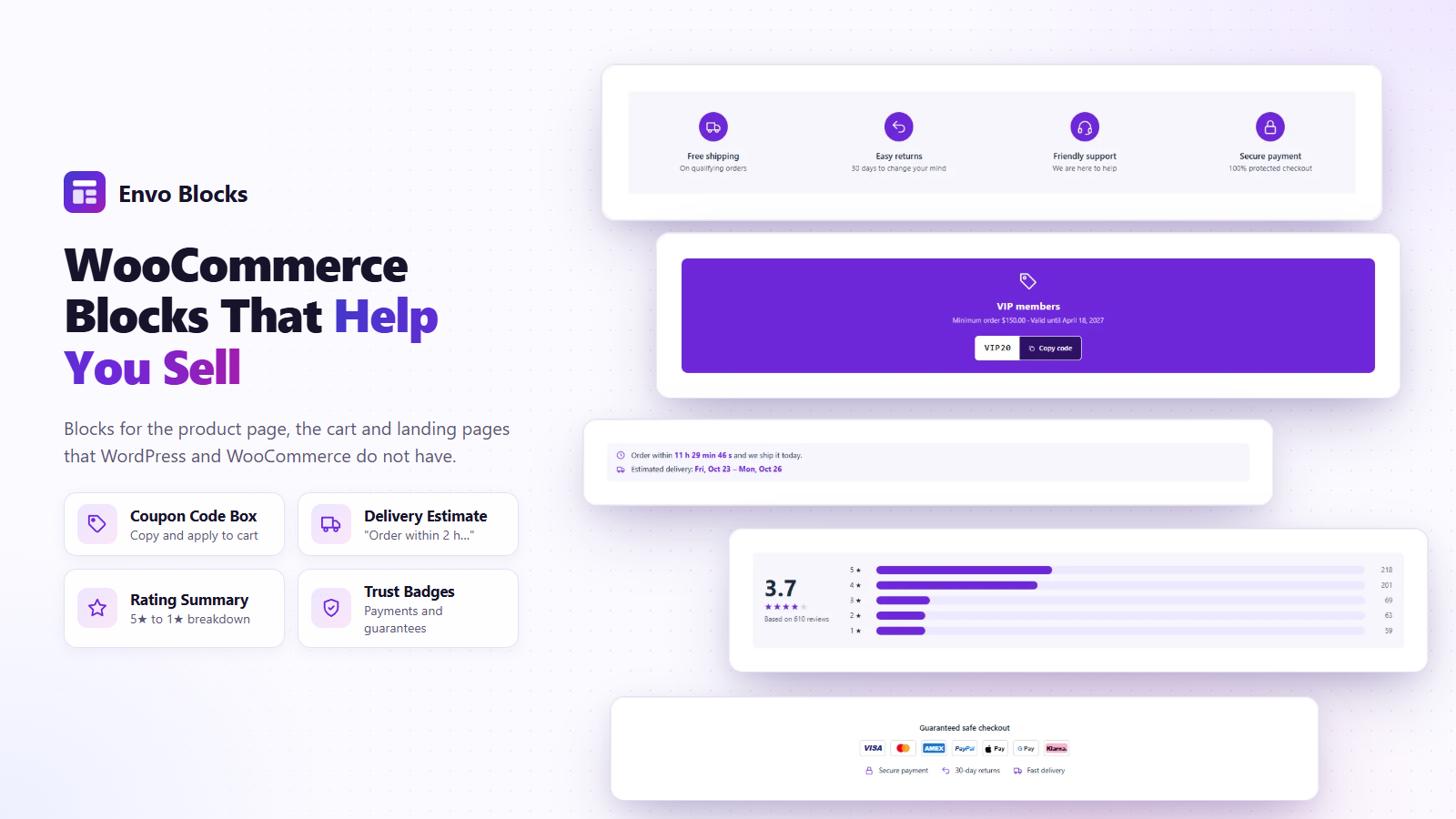
- Coupon Code Box Highlights a WooCommerce coupon with a copy button and an optional "Apply to cart" button. The discount, minimum and expiry date are read from the coupon.
- Checkout Header A calm header for the checkout: your logo, a secure checkout note and a link back to the cart, without the menu. For distraction-free checkout layouts.
- My Account WooCommerce My account (dashboard, orders, downloads, addresses, account details and the login form) with the menu as a sidebar, tabs, tiles or a compact list.
- Map A Google or OpenStreetMap map as a background, with any blocks on top of it (address, opening hours, a button). Can load only after a click, for privacy.
- Product Filter Filter the products of the shop and the categories by price, category, attribute (color, size …), rating or stock, with the number of products of every option. Outside the shop it links to the shop with the option chosen.
- Customer Photos The photos customers added to their reviews, as a gallery: a click opens the photo with the stars and the words of the review. For the current product, a chosen product or the whole shop.
- Invoice Download A button that downloads the PDF invoice of the order – for the order confirmation page. Shown when the invoice is issued.
- Features Bar A row of shop benefits with icons: free shipping, returns, support, secure payment and more.
- Parallax Section A section with an image or video background that moves slower than the page (or zooms) while scrolling, with any blocks on top of it. Smooth on phones too.
- Rating Summary Average rating with stars and a breakdown of the 5★ to 1★ reviews, for the current product, a chosen product or the whole shop.
- Payment QR Code A payment QR code for orders paid by direct bank transfer – QR Platba (CZK) or EPC QR / SEPA (EUR) with the account, amount and reference – for the order confirmation page.
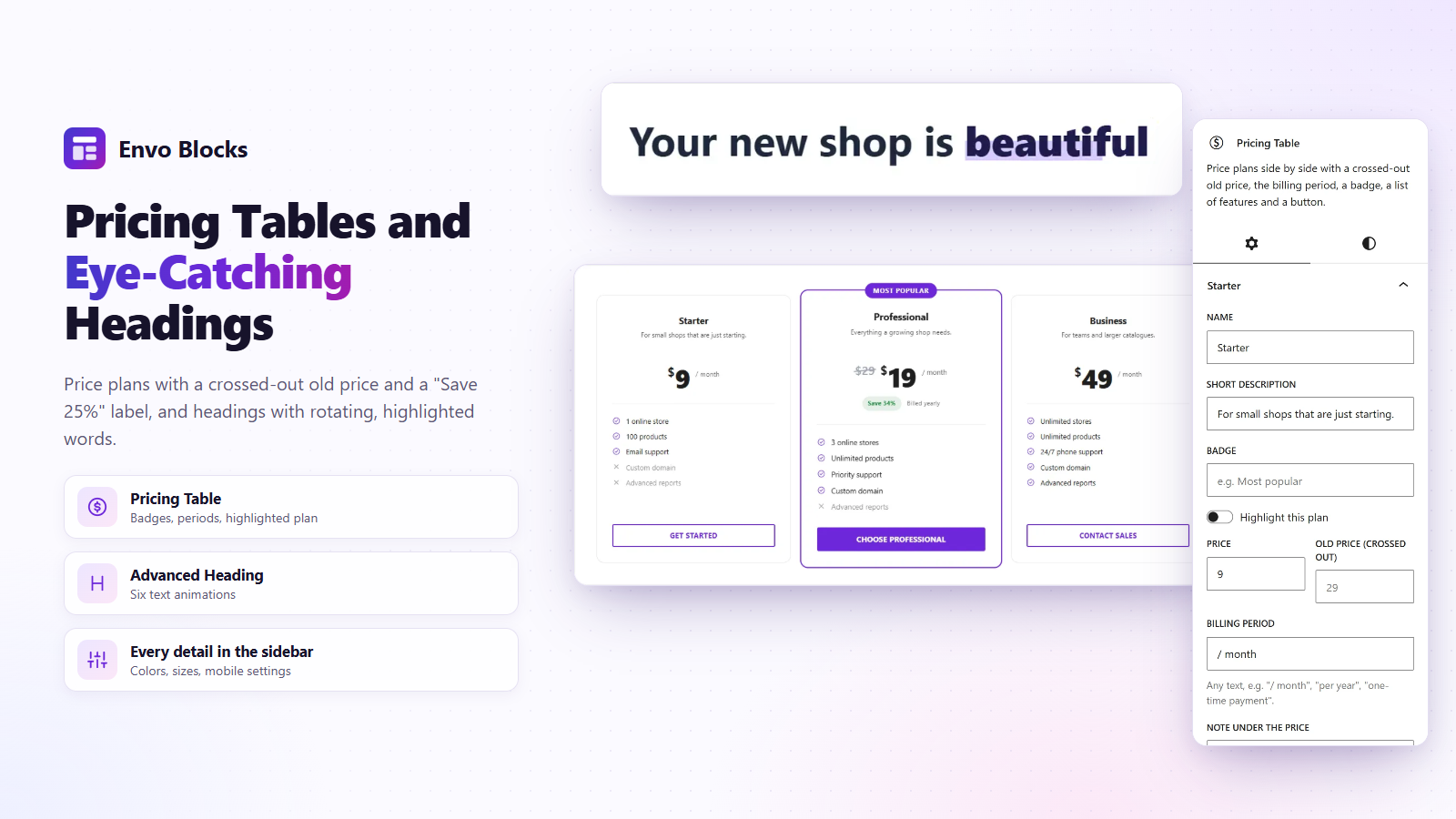
- Advanced Heading A heading made of three parts, each with its own typography, colors, background and border. The middle part can rotate several texts with an animation.
- Shop Toolbar The number of products found and the sorting menu of the shop and the product categories, for shop layouts.
- Form Styler A form of Contact Form 7, WPForms, Fluent Forms, Ninja Forms, Formidable Forms, Forminator or Gravity Forms in your own style: fields, labels, the button and the messages.
- FAQ Frequently asked questions that open and close, with schema.org FAQPage data for search engines. Every question is a FAQ Item block, its answer any blocks.
- Announcement Bar A thin bar for shipping offers, sales and news: messages that take turns, scroll as a ticker or sit side by side, with links, icons and a close button that the browser remembers.
- Stock Indicator "Only 3 left in stock" with a bar, from the real stock of the product (WooCommerce stock management). For variable products it follows the chosen variation.
- Delivery Estimate "Order within 2 h 15 min and we ship it today" with the estimated delivery date. Counts with the cut-off time, shipping days and holidays.
- Language Switcher The languages of WPML, Polylang or TranslatePress as a dropdown or a row of links, with flags, names or codes – for the header, the footer or any page.
- Product Tabs The tabs of the product page in your order and design: description, additional information, reviews, own tabs made of blocks and the product's own tabs. Tabs on top, left or right, or an accordion.
- Size Guide A link or button that opens the size chart in a pop-up window. The content of the window is made of normal blocks (table, image, text).
- Pricing Table Price plans side by side with a crossed-out old price, the billing period, a badge, a list of features and a button.
- Order Received The order details of the thank-you page after an order (order number, total, payment, products and addresses) in a style of your choice, for order received layouts.
- Checkout Form The WooCommerce checkout of your store (the Checkout block or the classic checkout) with its payment methods, shipping and coupons, for checkout layouts. Choose two columns, one column or the summary on top.
- Free Shipping Progress A bar that shows how much is missing in the cart for free shipping. It updates when the cart changes.
- Trust Badges Payment method icons and short guarantees (secure payment, returns, delivery) that build trust near the buy button or in the footer.
- Store Breadcrumbs The WooCommerce breadcrumbs (Home / Shop / Category / Product) for store layouts and any page.
- Active Filters The chosen filters of the shop as chips – a click removes one – and "Clear all". Shown only while a filter is on.
- Wishlist The visitor's wishlist for the wishlist page: products with price, stock, Add to cart and remove. A published page with this block becomes the wishlist page.
- Countdown Counts down to a date (a sale, a launch) or every day to a time ("order by 2 pm") on the days you choose, in the time zone of your site. When it ends it hides or shows your text.
- Cart Items The products in the cart with images, quantities and remove buttons, for side cart layouts. Loaded in the browser, so cached pages stay right.
- Lowest Price "Lowest price in the last 30 days" for a discount, as the EU Omnibus rule asks – from the real price history of the product. For variable products it follows the chosen variation.
- Product Tab One tab of the Product Tabs block: a part of WooCommerce (description, additional information, reviews), own content made of blocks, the product's own tabs or the tabs of other plugins.
- FAQ Item One question of the FAQ block; its answer is made of blocks (text, lists, images, buttons).
Installation
- Install the plugin from Plugins > Add New (or upload the
envo-blocksfolder to/wp-content/plugins/) and activate it. - Open a page in the block editor: use the Templates Import button in the header, or find the blocks in the Envo Blocks section of the inserter.
- The store features are in Envo Blocks > Settings.
அடிக்கடி கேட்கப்படும் கேள்விகள்
-
What does Envo Blocks PRO add?
-
Envo Blocks PRO works on top of this free plugin and adds:
- 80 more store templates, 915 page sections, 286 block presets and 96 store layout designs.
- Shop features: Product Add-Ons (engraving, gift wrap, file upload with prices), Discount Rules (buy X get Y, free gift) with a Deals block, abandoned cart reminders, Request a Quote, review request and reward e-mails, sales notifications, gift cards, loyalty points, back-in-stock and price-drop alerts, price history chart.
- Product blocks: Products Carousel, Products Tabs, Product Mosaic, Product Deal, Product Showcase, Bestsellers, Shop the Look, Reviews Carousel, Load More, AJAX filters and a Filter Panel.
- Header: Mega Menu, AJAX Product Search, Sticky Cart, Sticky Account, Sticky Wishlist, Off-Canvas Panel.
- Selling tools: Quick View, Compare, Variation Swatches, Product Badges, Sticky Add to Cart, Checkout Steps, Popups, Sale Countdown Bar, Frequently Bought Together, Volume Pricing.
- For any block: Motion Effects and Display Conditions, plus Content Slider, Content Tabs and Before / After.
-
Does the plugin need WooCommerce?
-
The templates, sections, presets and the content blocks (FAQ, Form Styler, Pricing Table, Advanced Heading, Trust Badges, Map, Video Popup…) work without it. The store blocks and store features need WooCommerce.
-
Does the plugin connect to external services?
-
Only in the cases listed under “External services” below, and only when you or your visitors use them. Everything else works on your own site.
-
Can the map load only after the visitor agrees?
-
Yes. Turn on “Load the map only after a click” in the Privacy settings of the Map block. Until the visitor clicks, nothing is loaded from the map service.
-
Are the payment icons official logos?
-
No. They are simplified marks drawn for this plugin so that visitors recognise the payment methods. All trademarks belong to their owners.
-
My theme has no canvas template. Can I still import the templates?
-
Yes. Envo Blocks adds the page template Envo Blocks Canvas (no header and footer) when the theme has none. It keeps the styles of your theme.
-
Does it work on multilingual sites?
-
Yes, with WPML, Polylang and TranslatePress: the texts of the blocks and settings can be translated, store layouts and rules work in every language and search, quick view and other parts that load later come in the language of the page. The Language Switcher block shows their languages in your header or footer. See the guide “Multilingual sites”.
-
Can I translate the plugin?
-
Yes. Translations are managed on translate.wordpress.org; a POT file is in the
languagesfolder.
Reviews
இந்த செருகுநிரலுக்கு மதிப்புரைகள் எதுவும் இல்லை.
பங்களிப்பாளர்கள் & உருவாக்குனர்கள்
“Envo Blocks – Store Templates, Blocks & Layouts for WooCommerce” is open source software. The following people have contributed to this plugin.
பங்களிப்பாளர்கள்
Translate “Envo Blocks – Store Templates, Blocks & Layouts for WooCommerce” into your language.
Interested in development?
Browse the code, check out the SVN repository, or subscribe to the development log by RSS.
Changelog
1.7.0
- New: new free templates, sections, presets and store layouts come from our template library as soon as they are published – no plugin update needed; the plugin keeps its own copy for sites without a connection. A small notice shows new templates.
- New: “What’s new” – after an update, a short dismissible notice with the new features and fixes.
- New: Parallax Section block – an image or video background that moves slower than the page (or zooms) while scrolling, with any blocks on top; smooth on phones, still with “reduce motion”.
- New: Language Switcher block – the languages of WPML, Polylang or TranslatePress as a dropdown or a row of links, with flags, names or codes and your colors.
- New: Multilingual sites – WPML, Polylang and TranslatePress: wpml-config.xml for the texts of blocks and settings, store layouts per language (or the default one), product and category IDs of blocks and rules in every language, REST answers in the language of the page.
- New: Form Styler block – a form of Contact Form 7, WPForms, Fluent Forms, Ninja Forms, Formidable Forms, Forminator or Gravity Forms (or any form shortcode) with your field style, layout in two columns, button and colors; the button follows the theme buttons.
- Fixed: classic themes without theme.json (Twenty Twenty, Twenty Twenty-One …) – templates, sections and store layouts keep their content width instead of the theme’s narrow text column.
- Fixed: classic themes – the − / + quantity buttons of the theme in the Add to Cart Form of a product layout.
- Fixed: Twenty Twenty-One – its inline image sizes no longer blow up small block images (category thumbnails of the Category Showcase, mega menu images).
1.6.0
- New: Review photos – customers add up to 3 photos to their review (saved as small WebP files without GPS data); the Customer Photos block shows them as a gallery.
- New: Catalog mode – hide prices and Add to cart for everyone, for visitors or in chosen categories, with “Price on request” and a button of your choice.
- New: Product feed for Google Merchant Center and the Meta catalog – prices, stock, images, brand, GTIN and variations, rebuilt every hour.
- New: Product questions – customers ask on the product page, you answer in Envo Blocks > Settings, the customer gets the answer by e-mail; a Questions tab or the Product Questions block.
- New: FAQ block – questions that open and close, four styles, FAQPage data for search engines; works without JavaScript.
- Improved: settings pages with a PRO part show what Envo Blocks PRO adds there.
- Fixed: WordPress 7.x – critical error in the editor of pages with the “Envo Blocks Canvas” template.
1.5.0
- New: Lowest Price block and price history – “Lowest price in the last 30 days” for discounts (EU Omnibus).
- New: Product Filter and Active Filters blocks – price, category, attribute, rating and stock, with counts.
- New: Checkout layouts, also distraction-free, with the Checkout Form and Checkout Header blocks.
- New: business templates Northbound, Daybreak and Linea, which also work without WooCommerce.
1.4.0
- New: PDF invoices, credit notes and packing slips for any country, and the Invoice Download block.
- New: Store Layouts – own product, shop, cart, order received, My account and side cart designs, in any theme.
- New: Product Tabs block and own tabs per product; product videos in the gallery.
- New: Wishlist, Free Shipping Progress and Payment QR Code blocks; Checkout Fields; translations into 31 languages.
1.3.0 – 1.3.4
- New: Announcement Bar, Countdown, Opening Hours, Stock Indicator and Order Tracking blocks.
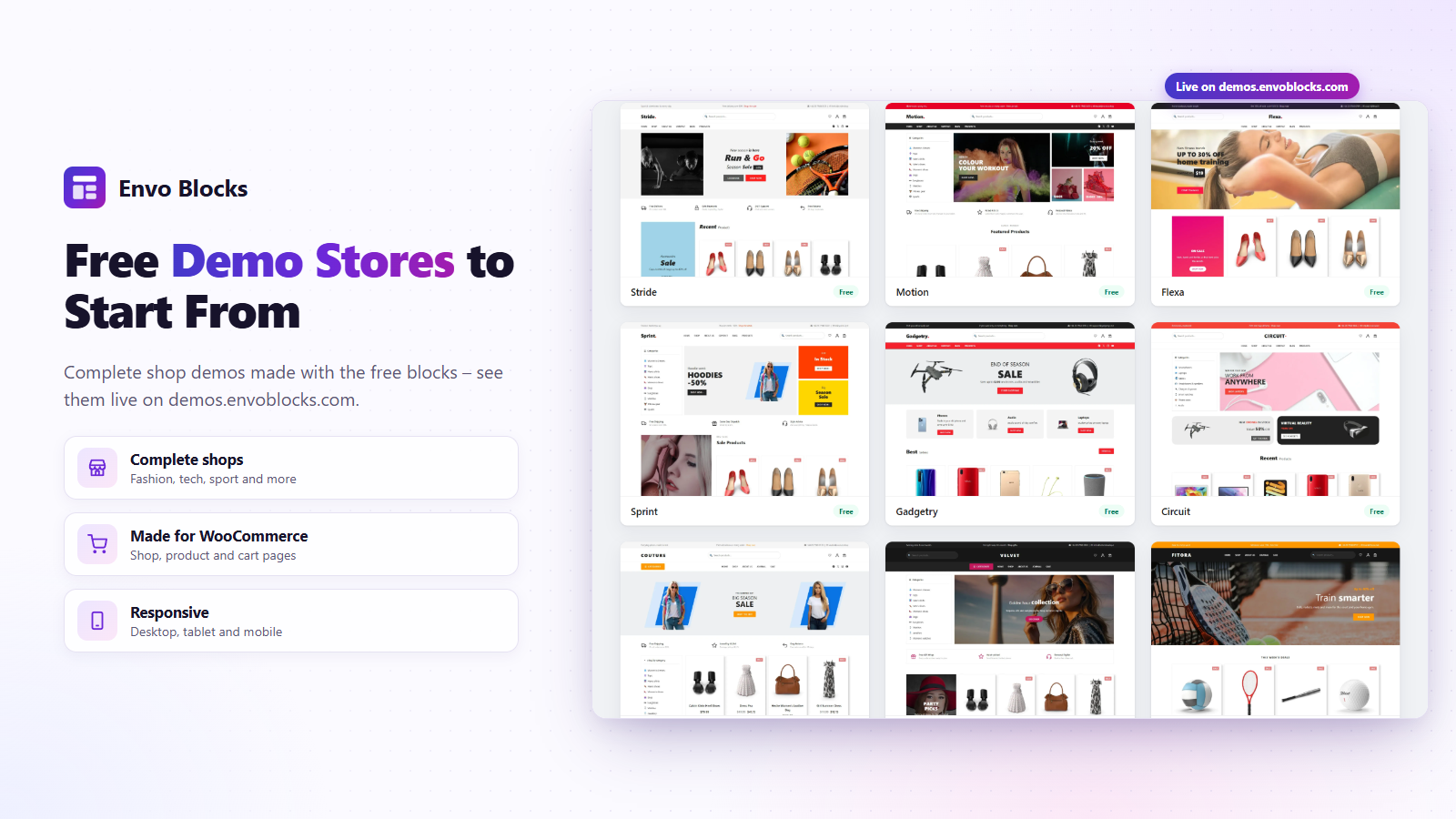
- New: entrance animations for every block; 9 free demo stores as templates.
- New: “Envo Blocks Canvas” page template for themes without one; the template window got a better search and a Sections tab.
1.2.0
- New: Map and Video Popup blocks; templates with several pages; section and preset libraries; Templates Import page; import and export as JSON or ZIP; images copied into the Media Library.
1.1.0
- New: Pricing Table, Advanced Heading, Trust Badges, Features Bar, Coupon Code Box, Delivery Estimate, Rating Summary, Recently Viewed Products and Size Guide blocks.
1.0.0
- First release: Templates Import button and Export as JSON.